1
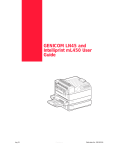
Compuprint PageMaster 450 User Guide
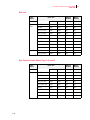
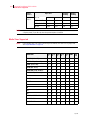
Media Sizes Supported 3-4
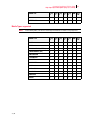
Media Types supported 3-5
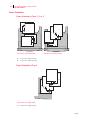
Paper Orientation 3-6
Paper Orientation in Trays 1, 2, or 3 3-6
Paper Orientation in Tray 4 3-6
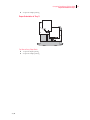
Paper Orientation in Tray 5 3-7
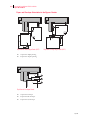
Top View of Long Edge Feeds 3-7
Paper and Envelope Orientation in the Bypass Feeder 3-8
3-8
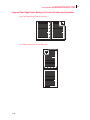
Long and Short Edge Duplex Binding in Portrait and Landscape
Orientations 3-9
Long Edge Duplex Bind in Portrait Orientation 3-9
Short Edge Duplex Bind in Portrait Orientation 3-9
Long Edge Duplex Bind in Landscape Orientation 3-10
Short Edge Duplex Bind in Landscape Orientation 3-10
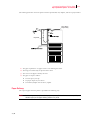
Paper Paths 3-11
Paper path for standard configuration 3-11
Paper path when options are installed 3-12
Paper Delivery 3-13
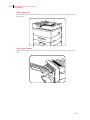
Paper output tray 3-14
Face-up tray (option) 3-14
Face-up tray with the Duplexer (option) 3-15
Finisher/Stapler unit (option) 3-16
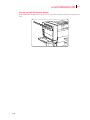
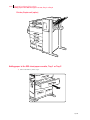
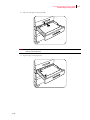
Adding paper to the 500-sheet paper cassette, Tray 1 or Tray
2 3-16
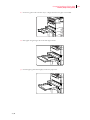
Adding paper to the multi bypass feeder 3-20
Adding paper to the HCF unit (2500-sheet) 3-22
Tray 3 (500-sheet universal paper cassette) 3-23
Trays 4 and 5 (A4/Letter size paper compartment) 3-27
Loading envelopes into the envelope feeder 3-29
Chapter 4
Understanding and Navigating the Control
Panel Menus
About this Chapter 4-2
Control Panel Features 4-2
LCD Display 4-2
LED Indicators 4-2
Pushbuttons 4-3
Sep 01
vii