1
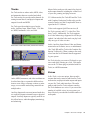
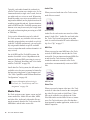
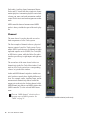
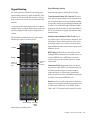
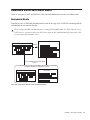
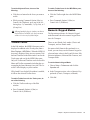
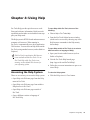
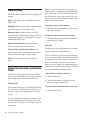
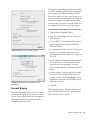
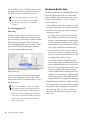
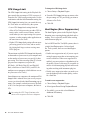
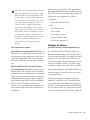
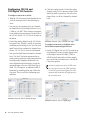
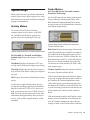
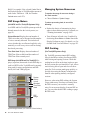
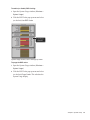
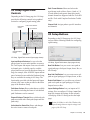
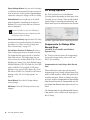
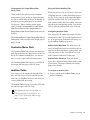
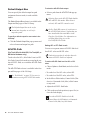
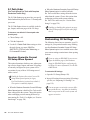
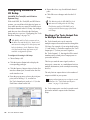
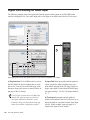
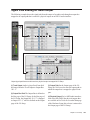
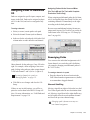
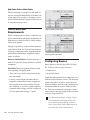
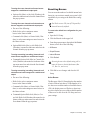
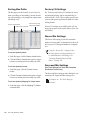
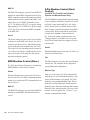
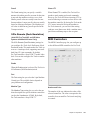
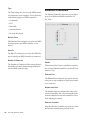
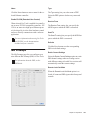
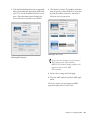
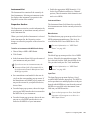
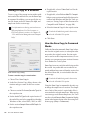
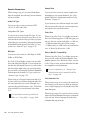
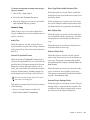
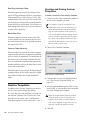
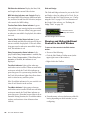
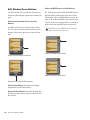
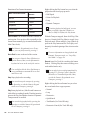
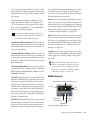
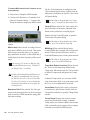
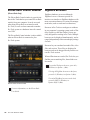
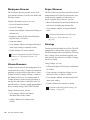
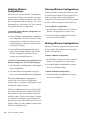
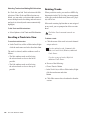
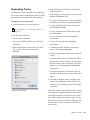
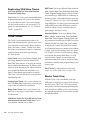
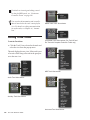
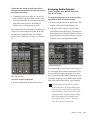
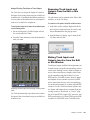
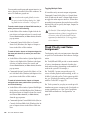
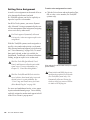
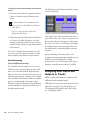
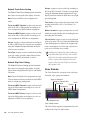
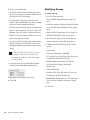
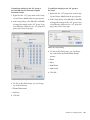
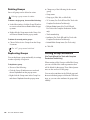
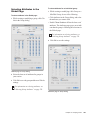
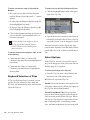
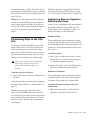
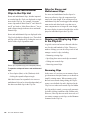
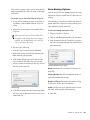
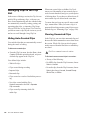
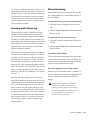
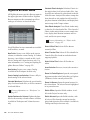
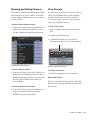
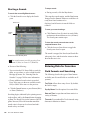
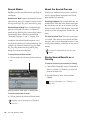
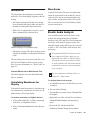
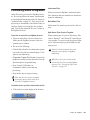
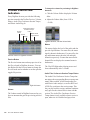
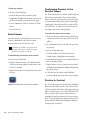
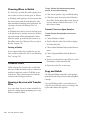
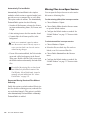
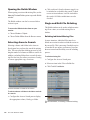
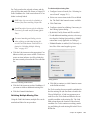
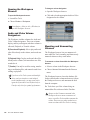
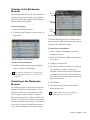
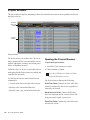
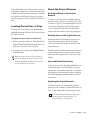
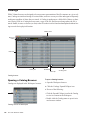
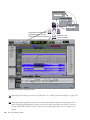
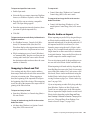
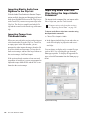
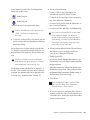
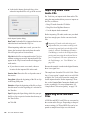
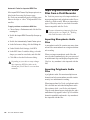
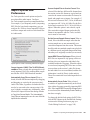
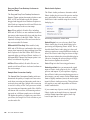
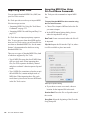
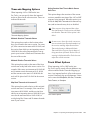
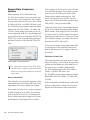
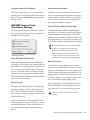
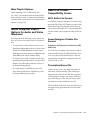
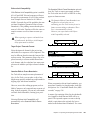
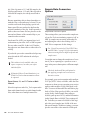
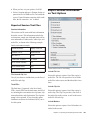
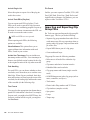
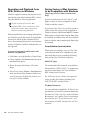
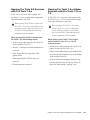
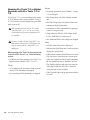
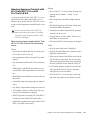
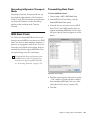
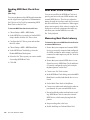
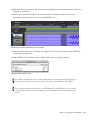
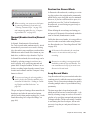
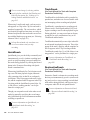
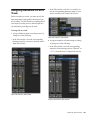
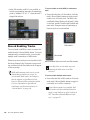
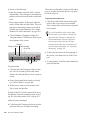
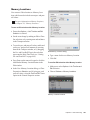
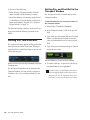
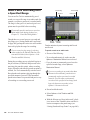
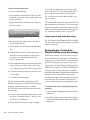
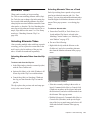
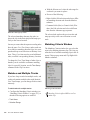
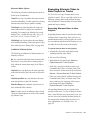
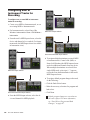
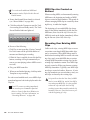
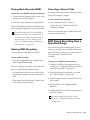
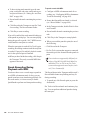
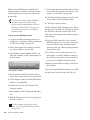
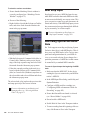
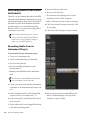
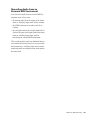
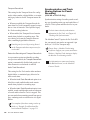
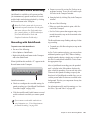
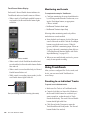
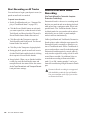
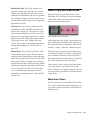
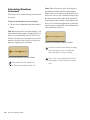
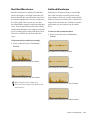
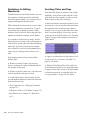
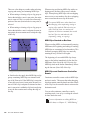
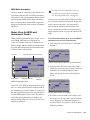
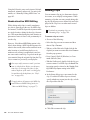
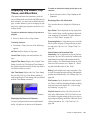
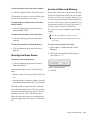
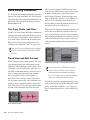
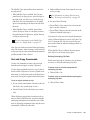
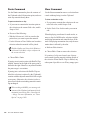
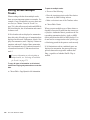
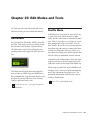
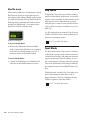
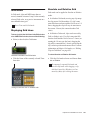
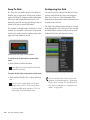
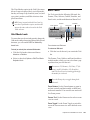
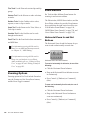
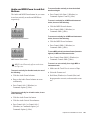
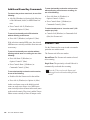
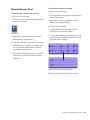
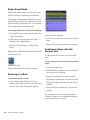
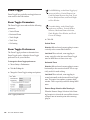
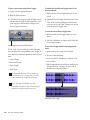
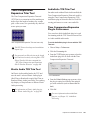
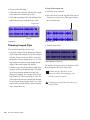
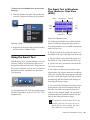
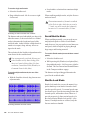
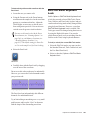
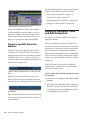
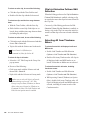
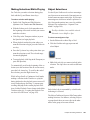
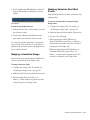
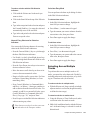
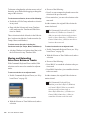
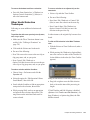
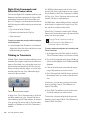
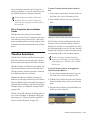
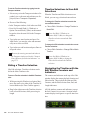
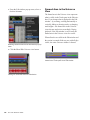
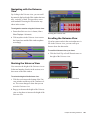
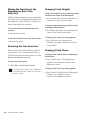
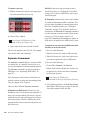
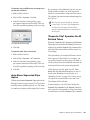
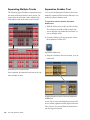
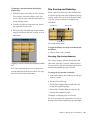
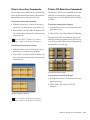
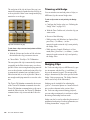
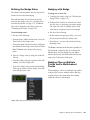
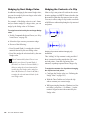
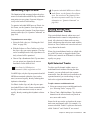
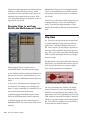
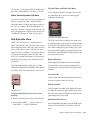
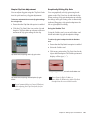
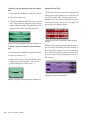
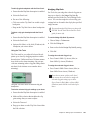
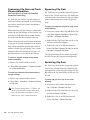
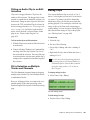
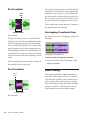
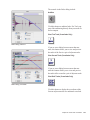
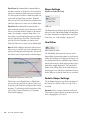
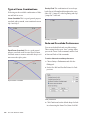
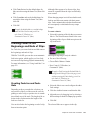
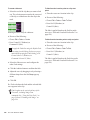
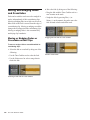
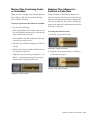
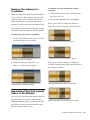
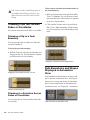
Object to Time Selection You can convert between Time- and Object-based selections. Time selections are made with the Selector and Time Grabber tools. Object selections are made with the Object Grabber tool. Converting to an Object selection is useful when you are working with large selections, especially across multiple tracks, and you want to remove certain clips from the selection. Converting to a Time selection is useful if you want to select all clips between a noncontiguous Object selection. To change a Time selection to an Object selection: 1 Drag with the Selector tool in any track to define a selection, or select in a Timebase ruler to select across all tracks. To select clips that were partially selected, press Start (Windows) or Control (Mac) while doubleclicking the Grabber icon. To change an Object selection to a Time selection: 1 Select any number of clips with the Object Grabber tool. 2 Double-click the Selector tool in the toolbar. The time range between the first and last clip becomes selected. When using the Object Grabber tool on tracks that belong to an Edit Group, clips in the other grouped tracks are selected if they fall within the range of the selected clip. Changing a Selection Length The selection range can be shortened or lengthened. This does not affect the material within the selection. To change the length of a selection, do one of the following: With the Selector tool, position the cursor over one end of the current selection and Shift-click, or Shift-drag left or right. In the Main Timebase ruler, drag the Timeline Selection Marker for the selection’s start or end point. Selected clips 2 With the Object Grabber tool selected, doubleclick the Grabber icon in the toolbar. Clips falling within the selection range become selected as objects. Clips that were partially selected become deselected. Dragging a Timeline Selection Marker Clips selected as objects 570 Pro Tools Reference Guide