1
88
Timeline Editing
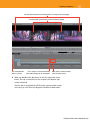
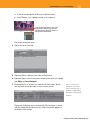
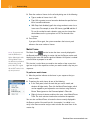
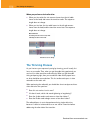
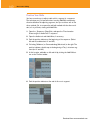
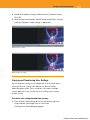
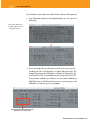
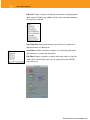
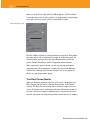
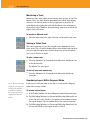
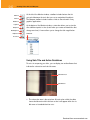
To select a locator, it’s easier to click it in the Record (or Source) monitor than in the Timeline. (You can also double-click a locator name in
the Locators window to advance to it.)
To move a locator:
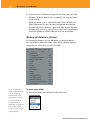
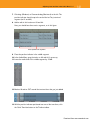
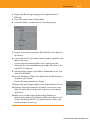
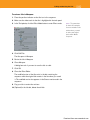
1. Park the position indicator on top of the locator you want to move.
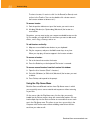
2. Alt+drag (Windows) or Option+drag (Macintosh) the locator to a
new location.
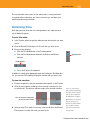
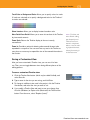
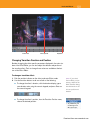
Sometimes, you may want to play your sequence and add locators on-thefly. For example, you might do this to note where you want to add sound
effects, music stings, cutaways, and so on.
To add locators on-the-fly:
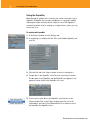
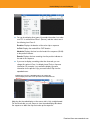
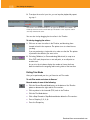
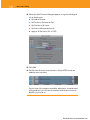
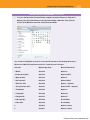
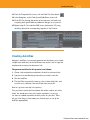
1. Map one or more Add Locator buttons to your keyboard.
2. Play the sequence, and press the Add Locator keys at any time.
When you stop play, all locators appear in the Locators window.
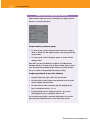
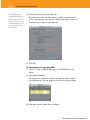
To remove a locator:
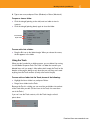
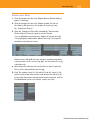
1. Go to the frame that contains the locator.
2. Press the Delete key on the keyboard. The locator is removed.
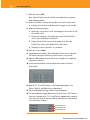
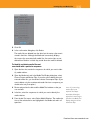
To remove several locators from the Locators list window:
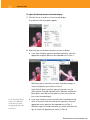
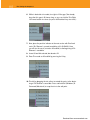
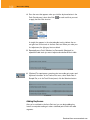
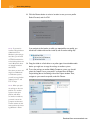
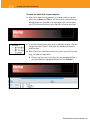
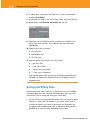
1. Open the list of locators (Tools > Locators).
2. Ctrl+click (Windows) or Shift+click (Macintosh) the locators you want
to delete.
3. Press Delete, and respond to the prompt.
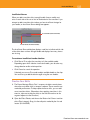
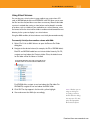
Using the Clip Name Menu
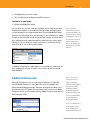
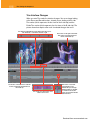
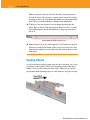
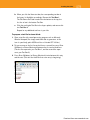
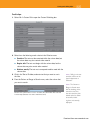
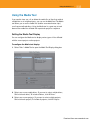
Both the Source and Record monitors have Clip Name menus in which
you can quickly access source material and sequences without returning
to your bins.
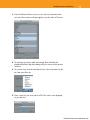
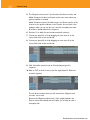
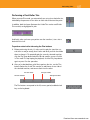
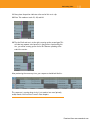
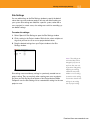
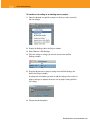
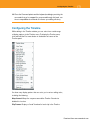
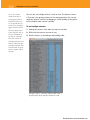
On the source side, the Clip Name menu lists the clips you recently
loaded into the Source monitor, along with several other options. You can
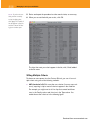
load multiple clips into the Source monitor at once and then access each
one in the Clip Name menu. This allows to you focus your activity in the
Composer and Timeline areas without reloading material from the bins
each time you make an edit.
Download from www.wowebook.com