1
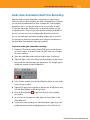
Viewing and Changing Settings
161
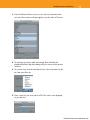
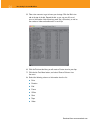
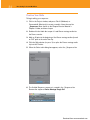
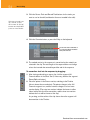
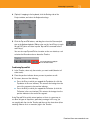
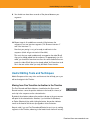
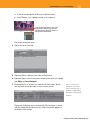
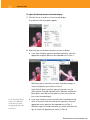
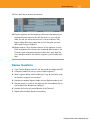
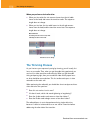
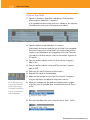
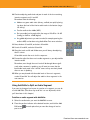
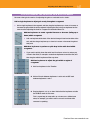
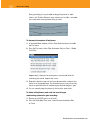
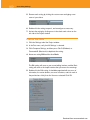
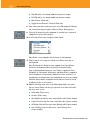
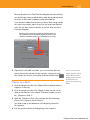
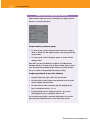
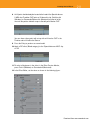
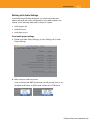
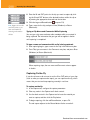
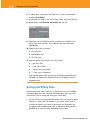
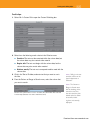
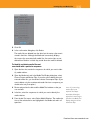
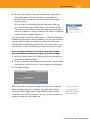
6. Double-click the Basic setting, and deselect every Composer setting.
Click OK.
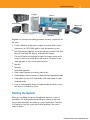
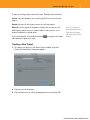
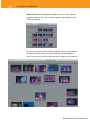
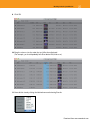
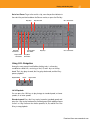
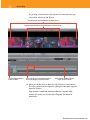
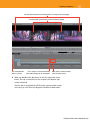
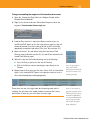
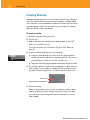
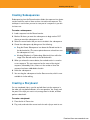
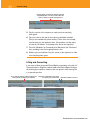
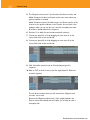
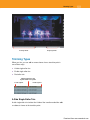
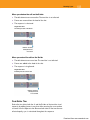
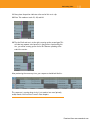
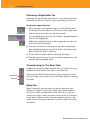
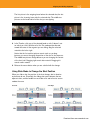
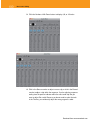
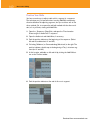
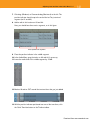
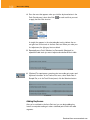
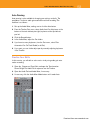
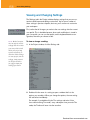
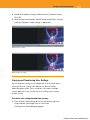
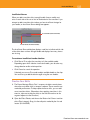
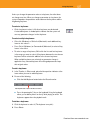
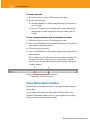
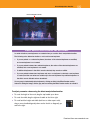
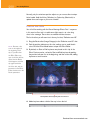
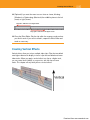
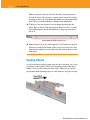
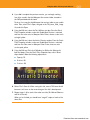
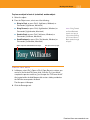
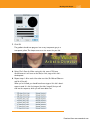
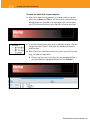
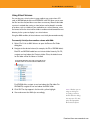
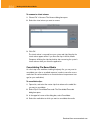
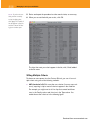
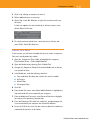
7. Move the check mark between the Edit setting and the Basic setting to
watch the Composer window change its appearance.
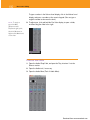
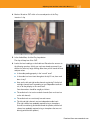
Edit Composer setting
Basic Composer setting
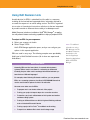
Copying and Transferring User Settings
You can copy user settings to a removable disk (such as a flash drive)
or transfer them via a server or the Web to use them on another
Media Composer system. This is convenient if you work on multiple
systems because it saves you the time of re-creating custom settings
on each system.
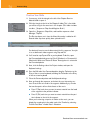
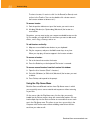
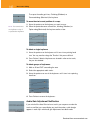
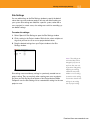
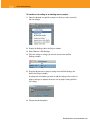
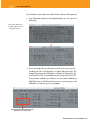
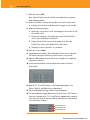
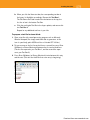
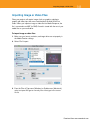
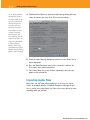
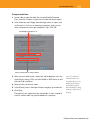
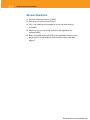
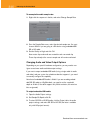
To transfer user settings between two systems:
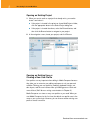
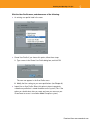
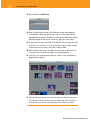
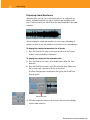
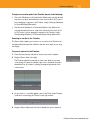
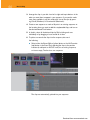
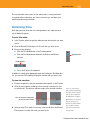
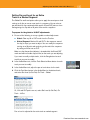
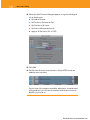
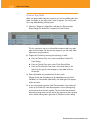
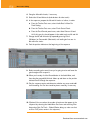
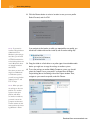
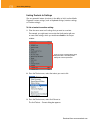
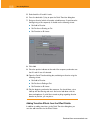
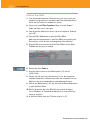
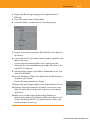
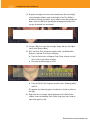
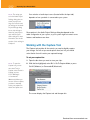
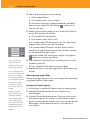
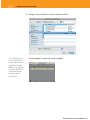
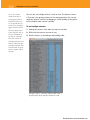
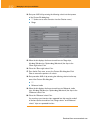
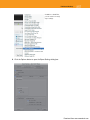
1. From the Select Project dialog box or from the Settings tab in the
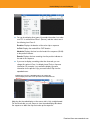
Project window, select Export User or User Profile.
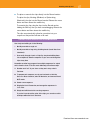
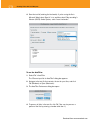
The Export User Profile dialog box appears.
Download from www.wowebook.com