1
Understanding Audio Level and Pan
125
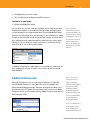
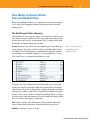
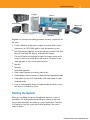
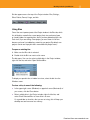
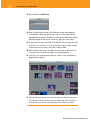
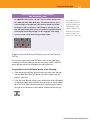
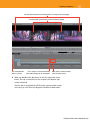
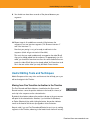
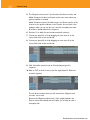
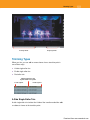
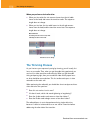
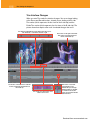
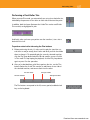
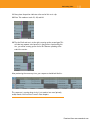
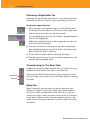
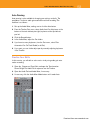
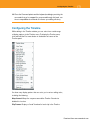
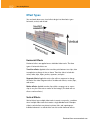
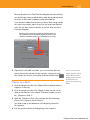
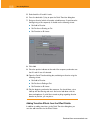
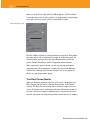
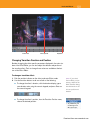
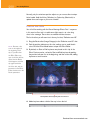
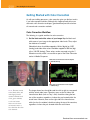
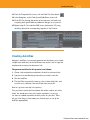
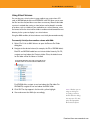
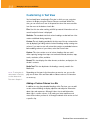
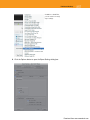
In the Timeline window, audio level readings are displayed by the VU meter.
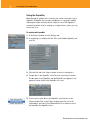
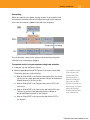
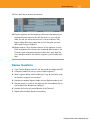
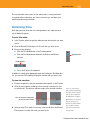
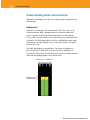
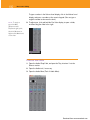
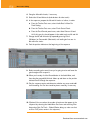
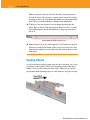
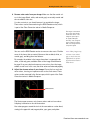
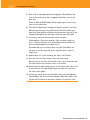
If audio levels are supposed to exceed normal levels, it’s acceptable for
them to peak within the yellow section of the Audio tool. However, you
should never let the audio peaks extend to very high levels because it will
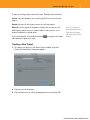
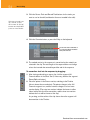
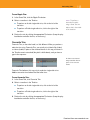
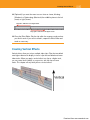
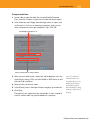
create distortion, called clipping. When this distortion occurs, the clipped
audio level is displayed as a brown bar, and the audio channel status
box turns red.
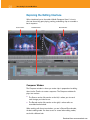
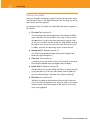
Clipped audio
Audio Pan
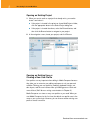
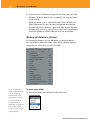
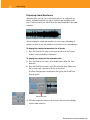
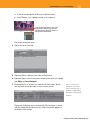
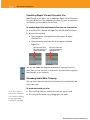
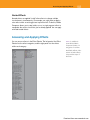
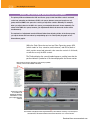
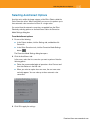
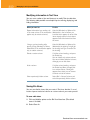
Audio pan is a measurement of the balance of audio between output channels. When you’re mixing a common stereo pair, panning is performed from
left to right. (Although this chapter will focus on stereo mixing, you can also
set panning in a surround soundtrack from front to back.) The Audio tool
displays both left and right channels. You can’t usually measure the exact
audio pan values via the Audio tool, but you can determine the left and
right channel levels, as well as whether the channels are even or uneven.
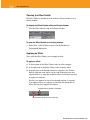
N O T E You measure
audio pan values in
the Audio Mixer, which
is covered in the next
section.
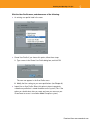
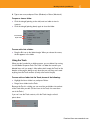
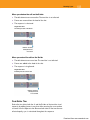
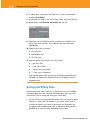
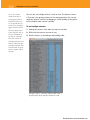
When measuring source clip audio levels, the Audio tool monitors the left
and right audio track levels. Many times, a video clip will have two or more
independent tracks.
Download from www.wowebook.com