1
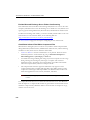
Installing the OfficeScan Client
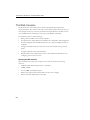
Recommended Post-installation Tasks
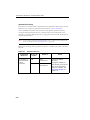
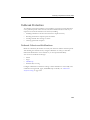
Trend Micro recommends performing the following post-installation tasks:
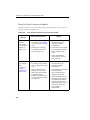
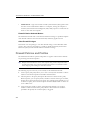
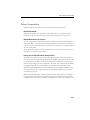
Component Updates
Notify clients to update their components to ensure that they have the most up-to-date
protection from security risks.
See Client Update on page 4-23 for details.
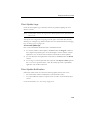
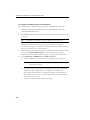
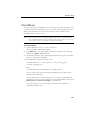
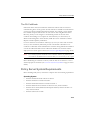
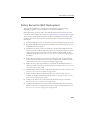
Test Scan Using the EICAR Test Script
The European Institute for Computer Antivirus Research (EICAR) developed the
EICAR test script as a safe way to confirm proper installation and configuration of
antivirus software. Visit the EICAR Web site for more information:
http://www.eicar.org
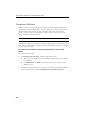
The EICAR test script is an inert text file with a .com extension. It is not a virus and
does not contain any fragments of viral code, but most antivirus software react to it as if
it were a virus. Use it to simulate a virus incident and confirm that email notifications
and virus logs work properly.
WARNING! Never use real viruses to test an antivirus product.
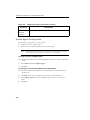
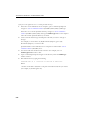
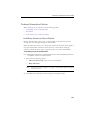
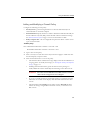
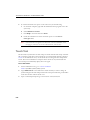
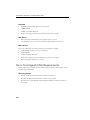
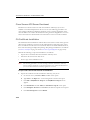
To perform a test scan:
1.
Enable Real-time Scan on the client.
2.
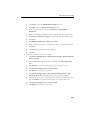
Copy the following string and paste it into Notepad or any plain text editor:
X5O!P%@AP[4\PZX54(P^)7CC)7>$EICAR-STANDARD-ANTIVIRUS-TESTFILE!$H+H*
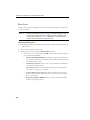
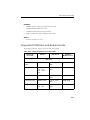
3.
Save the file as EICAR.com to a temp directory. OfficeScan immediately detects the
file.
3-49