1
Managing Clients
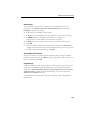
5.
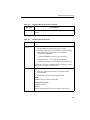
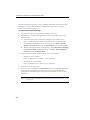
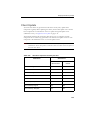
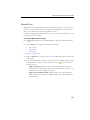
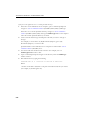
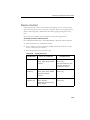
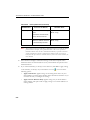
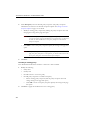
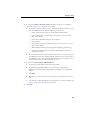
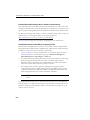
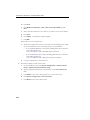
Verify from the registry whether or not a client is connected to the corporate
network.
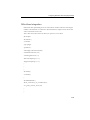
Key:
HKEY_LOCAL_MACHINE\SOFTWARE\TrendMicro\PC-cillinNTCorp\Curr
entVersion\iCRC Scan\Scan Server
6.
•
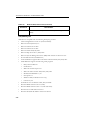
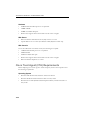
If LocationProfile=1, the client is connected to the network and should
connect to a local Smart Scan Server.
•
If LocationProfile=2, the client is not connected to the network and should
connect to the Global Smart Scan Server. From Internet Explorer, check if the
client computer can browse Internet Web pages.
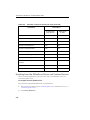
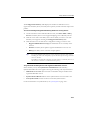
Check internal proxy and external proxy settings used to connect to Smart Scan
Servers (local and global).
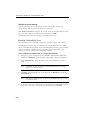
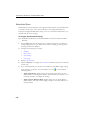
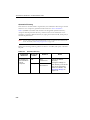
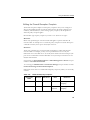
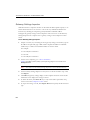
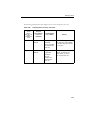
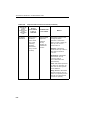
Client-Server Connection Verification
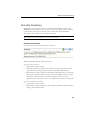
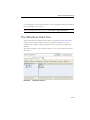
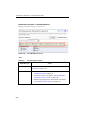
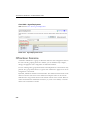
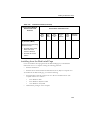
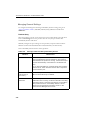
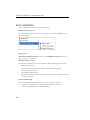
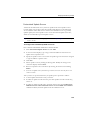
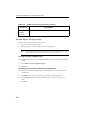
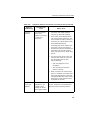
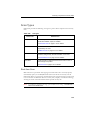
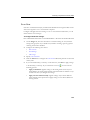
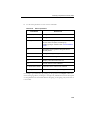
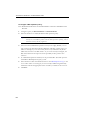
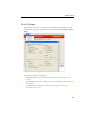
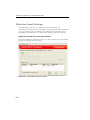
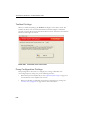
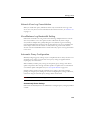
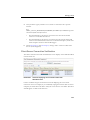
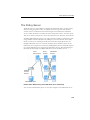
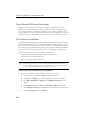
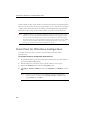
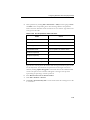
The client connection status with the OfficeScan server displays on the OfficeScan Web
console’s client tree.
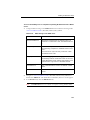
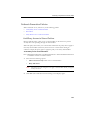
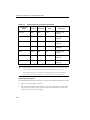
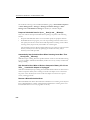
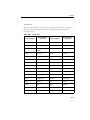
FIGURE 9-21. Client tree displaying client connection status with
OfficeScan server
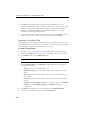
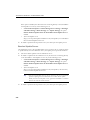
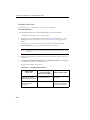
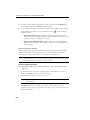
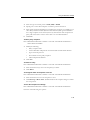
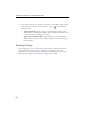
Certain conditions may prevent the client tree from displaying the correct client
connection status. For example, if you accidentally unplug the network cable of a client
computer, the client will not be able to notify the server that it is now offline. This client
will still appear as online in the client tree.
9-37