1
Using the OfficeScan Firewall
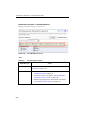
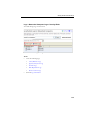
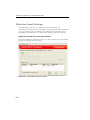
Adding and Modifying a Firewall Policy
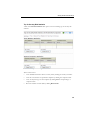
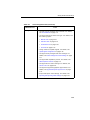
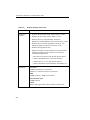
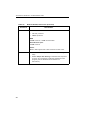
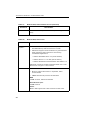
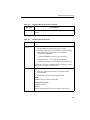
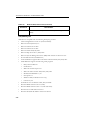
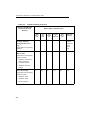
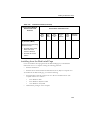
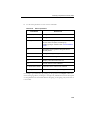
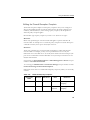
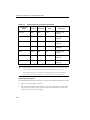
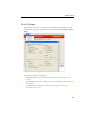
Configure the following for each policy:
•
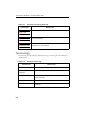
Security level: A general setting that blocks or allows all inbound and/or all
outbound traffic on the client computer
•
Firewall features: Specify whether to enable or disable the OfficeScan firewall, the
Intrusion Detection System (IDS), and the firewall violation notification message.
See Intrusion Detection System on page 7-3 for more information on IDS.
•
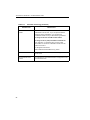
Policy exception list: A list of configurable exceptions that block or allow various
types of network traffic
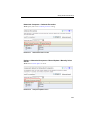
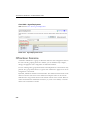
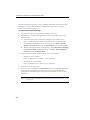
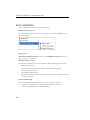
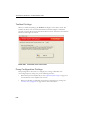
To add a policy:
P ATH : N ETWORKED C OMPUTERS > F IREWALL > P OLICIES > A DD
N ETWORKED C OMPUTERS > F IREWALL > P OLICIES > C OPY
1.
Type a name for the policy.
2.
Select a security level. The selected security level will not apply to traffic that meet
the firewall policy exception criteria.
3.
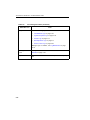
Select the firewall features to use for the policy.
•
The firewall violation notification message displays when the firewall blocks an
outgoing packet. To modify the message, see To modify the content of the notification
message: on page 7-17.
•
Enabling all the firewall features grants the client users the privileges to
enable/disable the features and modify firewall settings in the client console.
WARNING! You cannot use the OfficeScan server Web console to override
client console settings that the user configures.
•
If you do not enable the features, the firewall settings you configure from the
OfficeScan server Web console display under Network card list on the client
console.
•
The information under Settings on the client console's Firewall tab always
reflects the settings configured from the client console, not from the server
Web console.
7-7