1
Chapter 9
Switch Operating Procedures
Managing the Configuration Files
Note
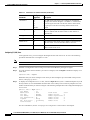
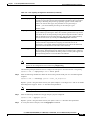
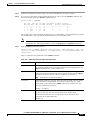
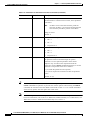
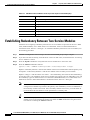
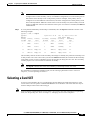
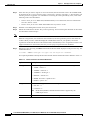
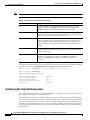
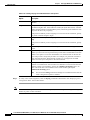
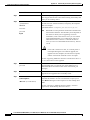
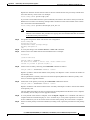
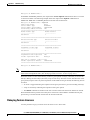
When replacing a T1 or T3 card with a E1 or E3 card, or vice versa, you must enter the clrsmcnf
command on the appropriate slot before you install the replacement card.
To clear the configuration for a service module, use the following procedure.
Step 1
Establish a configuration session using a user name with SERVICE_GP privileges or higher.
Step 2
If the card is configured for redundancy, remove card redundancy with the delred command. For more
information, see the “Removing Redundancy Between Two Cards” section later in this chapter.
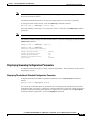
Note
Step 3
The clrsmcnf command does not work on redundant cards.
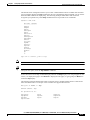
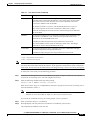
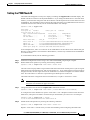
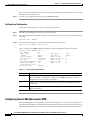
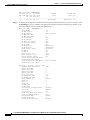
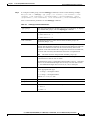
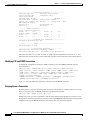
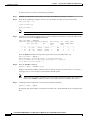
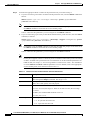
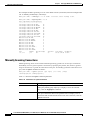
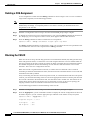
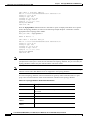
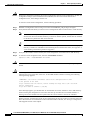
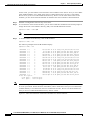
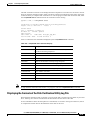
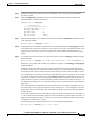
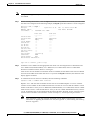
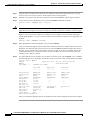
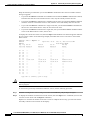
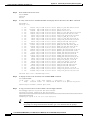
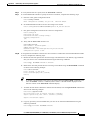
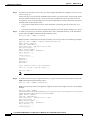
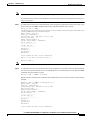
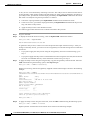
Enter the clrsmcnf command as follows:
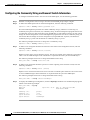
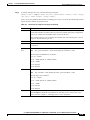
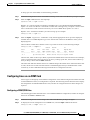
PXM1E_SJ.8.PXM.a > clrsmcnf <slot-id> [all] [verbose]
Replace slot-id with the slot number of the service module you want to clear. As described in the
introduction to this procedure, include the all parameter if you want to delete all provisioning and
card-specific information. When included, the verbose option displays status statements during the
clearing of the service module configuration.
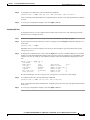
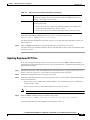
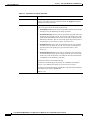
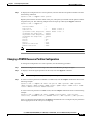
After you enter the clrsmcnf command, the service module reboots. If you cleared only the provisioning,
the card will come up in the Active state using the same software revision that was in use before the
configuration was cleared. If you used the all option to clear the entire card configuration, the service
module will act as if it were newly installed in a slot that has no configuration assigned to it. When no
configuration is assigned to a slot, you can move any card type into the slot and initialize the card as if
it were a new card.
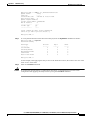
Step 4
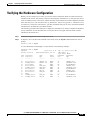
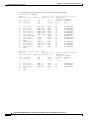
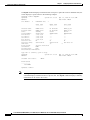
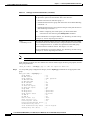
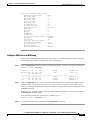
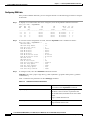
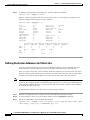
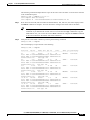
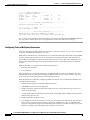
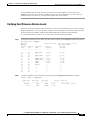
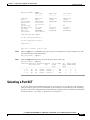
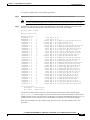
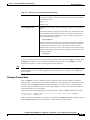
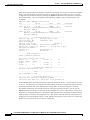
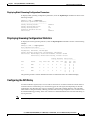
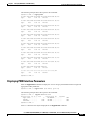
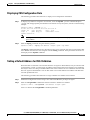
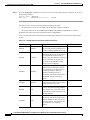
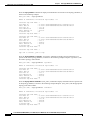
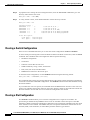
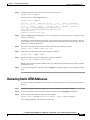
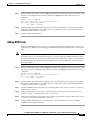
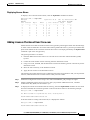
To display the status of a service module, enter the dspcd command.
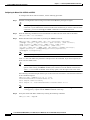
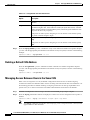
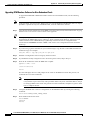
Restoring a Saved Switch Configuration
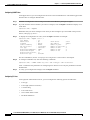
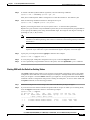
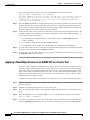
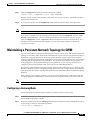
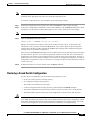
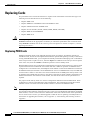
You can restore a configuration if all of the following statements are true:
Caution
•
No save or restore process is currently running.
•
No configuration changes are in progress.
•
The switch is not hosting any critical calls.
•
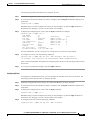
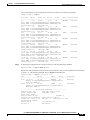
A switch configuration file has been previously created with the saveallcnf command.
•
The switch configuration file from which you want to restore is stored in the C:/CNF directory.
•
The PXM runtime software used by the saved configuration is stored in the C:/FW directory.
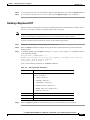
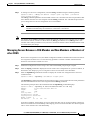
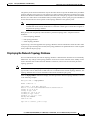
Make sure that no other users are making configuration changes when you restore the configuration. The
Cisco MGX switches do not check for other CLI or CWM users before restoring a configuration. If other
users make changes while the file is being restored, the configuration can become corrupt, the switch
can fail, and you might have to send switch cards back to the factory for reprogramming.
Cisco MGX 8850 (PXM1E/PXM45), Cisco MGX 8950, Cisco MGX 8830, and Cisco MGX 8880 Configuration Guide
Release 5.0.10, OL-3845-01 Rev. B0, August 16, 2004
9-5