1
Chapter 9
Switch Operating Procedures
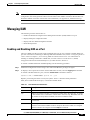
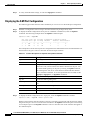
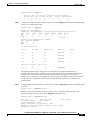
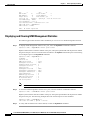
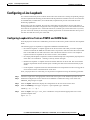
Managing NCDP Clock Sources
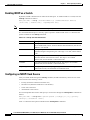
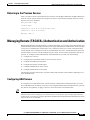
Enabling NCDP on a Switch
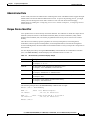
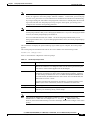
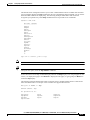
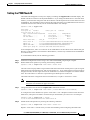
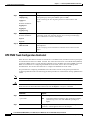
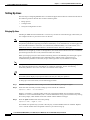
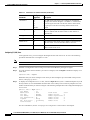
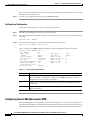
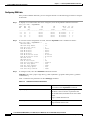
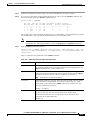
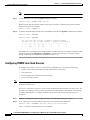
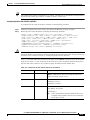
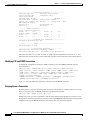
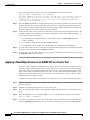
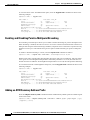
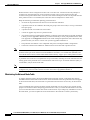
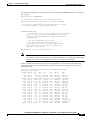
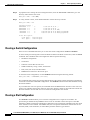
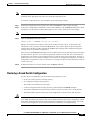
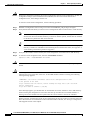
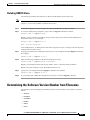
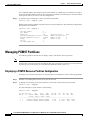
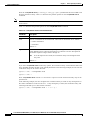
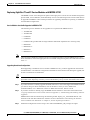
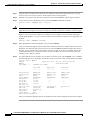
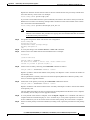
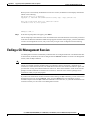
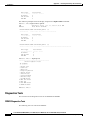
By default, NCDP is disabled on all nodes and all NNI ports. To enable NCDP on a switch, enter the
cnfncdp command as follows:
M8850_LA.8.PXM.a > cnfncdp [-distributionMode 1|2] [-maxNetworkDiameter diameter]
[-hello time] [ -holdtime time] [ -topoChangeTimer time]
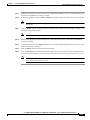
Note
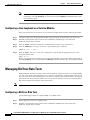
NCDP must be enabled at each switch that will participate in NCDP clock distribution.
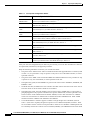
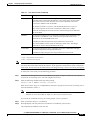
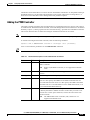
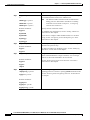
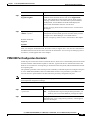
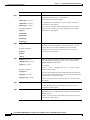
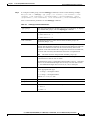
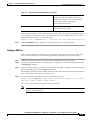
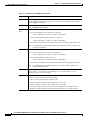
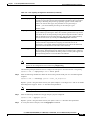
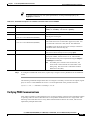
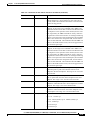
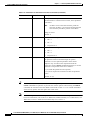
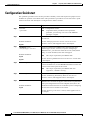
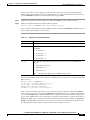
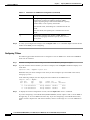
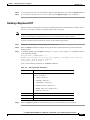
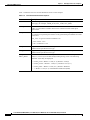
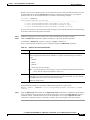
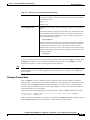
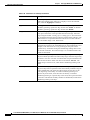
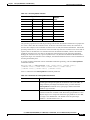
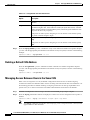
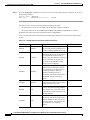
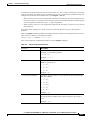
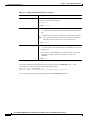
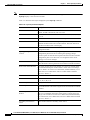
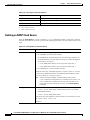
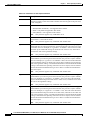
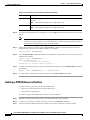
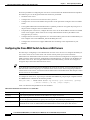
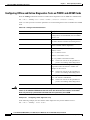
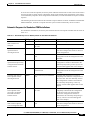
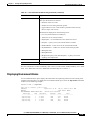
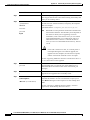
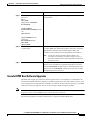
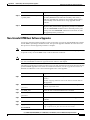
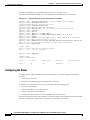
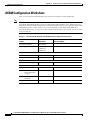
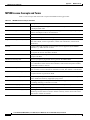
The -distributionMode option is the only option required to enable NCDP. Table 9-13 describes the
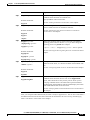
options available for the cnfncdp command.
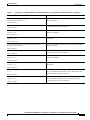
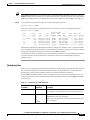
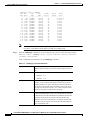
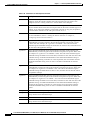
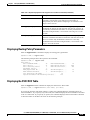
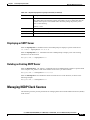
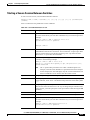
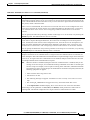
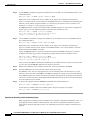
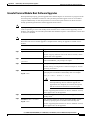
Table 9-13 cnfncdp Command Parameters
Parameter
Description
-distributionMode
This option selects either NCDP or manual mode clock distribution. To
select NCDP mode, enter 1. To select manual clock distribution, enter 2. The
default is 1 for NCDP.
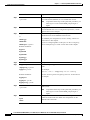
-maxNetworkDiameter This option specifies the maximum network diameter in hops. This is the
maximum length of the spanning tree. The range is 3 to 200, and the default
is 20.
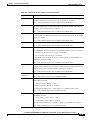
-hello
This option specifies the NCDP hello packet interval. NCDP hello packets
advertise the best network clock source. The range is 75 to 60000
milliseconds, and the default is 500 milliseconds.
-holdtime
This option specifies the hold time interval. The range is 75 to 60000
milliseconds, and the default is 500 milliseconds.
-topoChangeTimer
This option specifies the topology change timer interval. The range is 75 to
60000 milliseconds, and the default is 500 milliseconds.
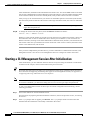
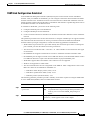
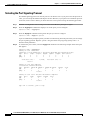
Configuring an NCDP Clock Source
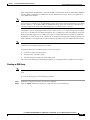
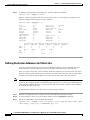
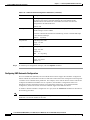
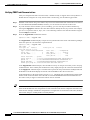
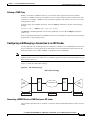
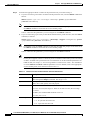
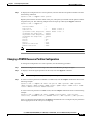
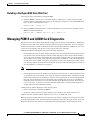
After you enable NCDP through the cnfncdp command, NCDP automatically selects the root clock
source based on the following criteria:
•
Priority (should be sufficient to find the root)
•
Stratum level (should be sufficient as a tie-breaker)
•
Clock source reference
•
ATM address of the switch
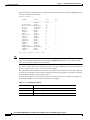
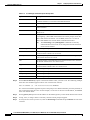
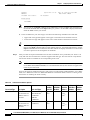
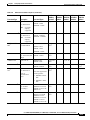
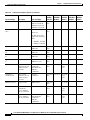
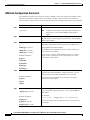
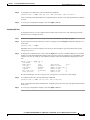
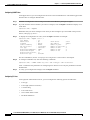
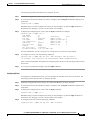
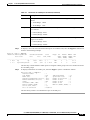
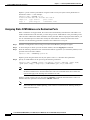
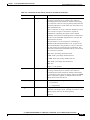
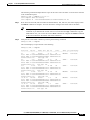
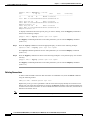
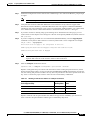
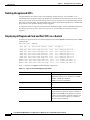
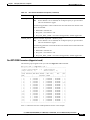
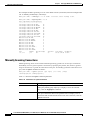
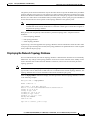
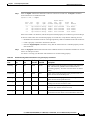
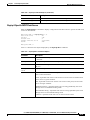
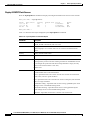
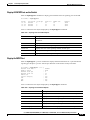
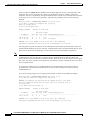
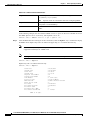
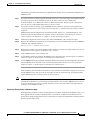
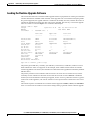
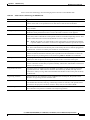
You can manipulate these criteria and specify a clock source through the cnfncdpclksrc command as
follows.
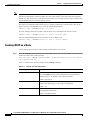
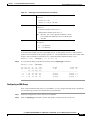
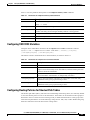
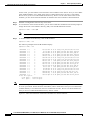
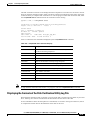
M8850_LA.8.PXM.a > cnfncdpclksrc <portid> <prstid> [-clocktype {e1 | t1}] [-priority
<priority>] [-stratumLevel <level>]
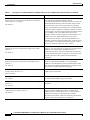
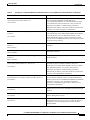
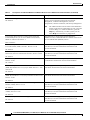
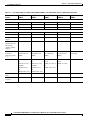
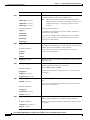
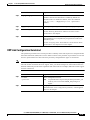
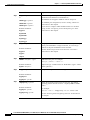
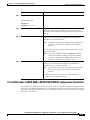
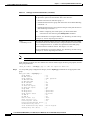
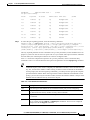
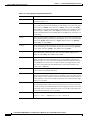
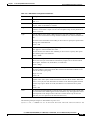
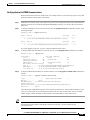
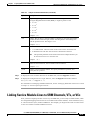
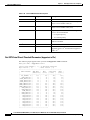
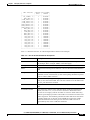
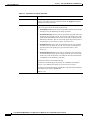
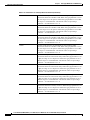
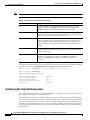
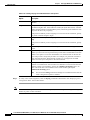
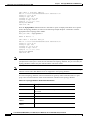
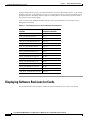
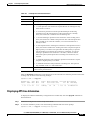
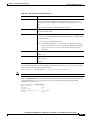
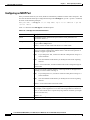
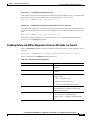
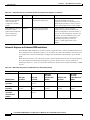
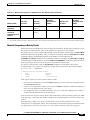
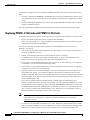
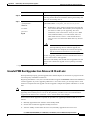
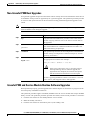
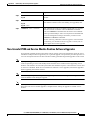
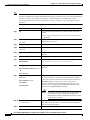
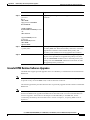
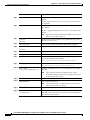
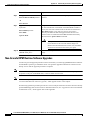
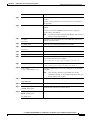
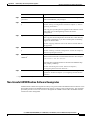
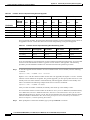
Table 9-14 describes the options available for the cnfncdpclksrc command.
9-32
Cisco MGX 8850 (PXM1E/PXM45), Cisco MGX 8950, Cisco MGX 8830, and Cisco MGX 8880 Configuration Guide
Release 5.0.10, OL-3845-01 Rev. B0, August 16, 2004