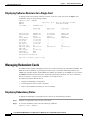
1
Chapter 4
Preparing Service Modules for Communication
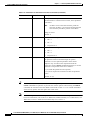
Managing Firmware Version Levels for Service Modules
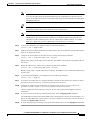
Note
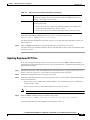
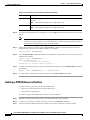
If any service module displays the Active/Active card state, you do not have to set the runtime
firmware version for that card.
Initializing Service Modules
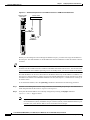
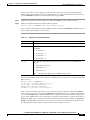
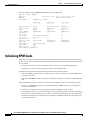
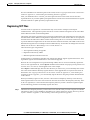
Before a service module can operate, it must be initialized in a switch slot. The initialization process
defines the runtime software version that will run on the card and identifies the slot in which the card
operates. To initialize a service module, use the following procedure.
Note
The line count for all cards in the switch must not exceed the maximum number of lines supported by
the current PXM. The PXM45/A supports 192 UNI/NNI lines. The PXM45/B and PXM45/C support up
to 4,000 UNI/NNI interfaces. Keep this information in mind as you add service modules to your switch.
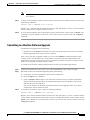
Step 1
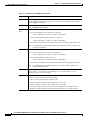
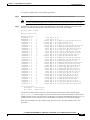
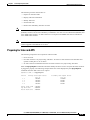
If you have not already done so, determine the software version number for the card by referring to the
following release note documents:
•
Release Notes for Cisco MGX 8850 (PXM1E/PXM45), Cisco MGX 8950, and Cisco MGX 8830
Switches, Release 5.0.00
•
Release Notes for the Cisco MGX 8880 Media Gateway, Release 5.0.00
Tip
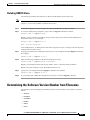
If you have trouble locating the runtime firmware version level, use the filenames on the PXM
hard disk to determine the level. For more information, see the “Determining the Software
Version Number from Filenames” section in Chapter 9, “Switch Operating Procedures.”
Step 2
Establish a configuration session using a user name with SERVICE_GP privileges or higher.
Step 3
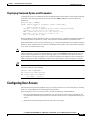
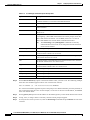
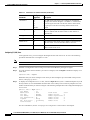
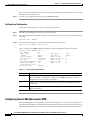
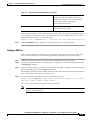
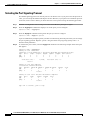
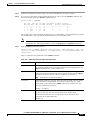
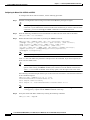
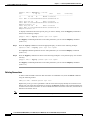
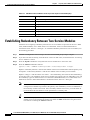
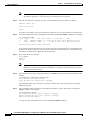
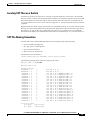
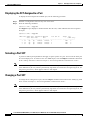
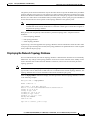
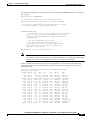
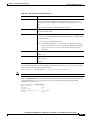
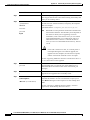
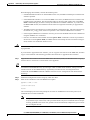
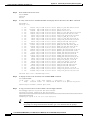
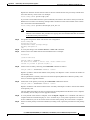
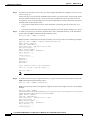
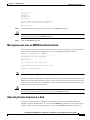
To set the firmware revision level for a card, enter the setrev command.
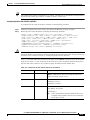
mgx8850a.7.PXM.a > setrev <slot> <version>
Note
Each card should be initialized only once with the setrev command. The only other time you
should enter the setrev command is to initialize cards after the configuration has been cleared
with the clrallcnf command.
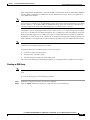
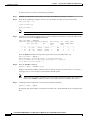
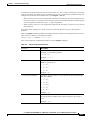
Replace <slot> with the card slot number and replace <version> with the software version number. For
example,
mgx8850a.7.PXM.a > setrev 1 2.1(60)
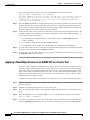
After you enter the setrev command, the System status LED blinks red until the firmware load is
complete, and then it changes to non-blinking green.
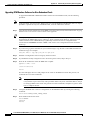
Step 4
4-4
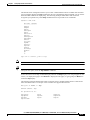
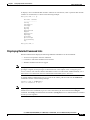
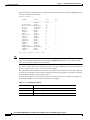
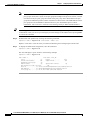
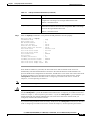
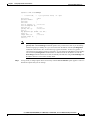
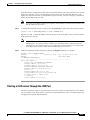
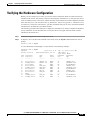
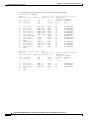
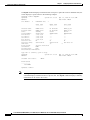
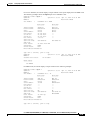
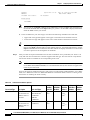
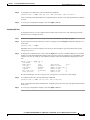
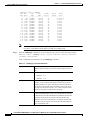
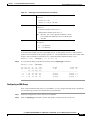
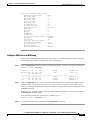
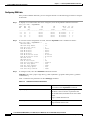
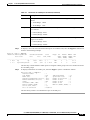
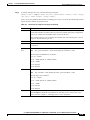
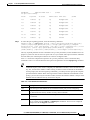
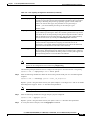
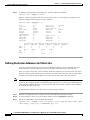
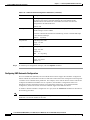
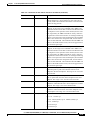
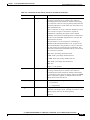
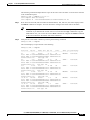
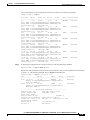
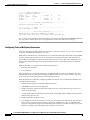
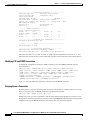
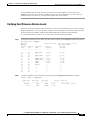
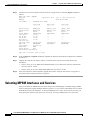
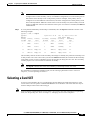
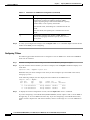
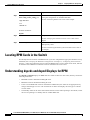
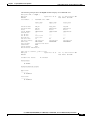
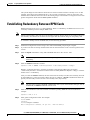
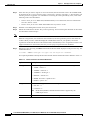
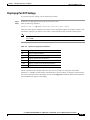
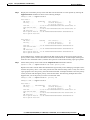
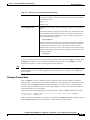
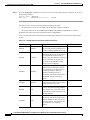
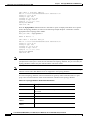
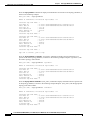
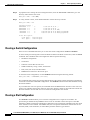
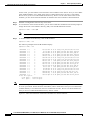
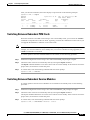
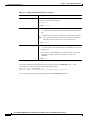
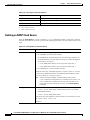
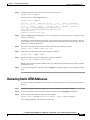
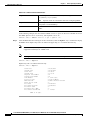
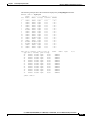
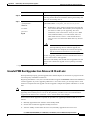
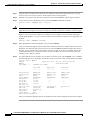
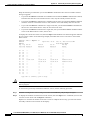
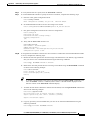
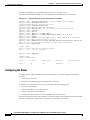
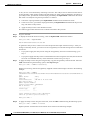
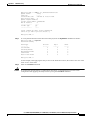
To verify the activation of a card for which the status was previously listed as Failed/Empty, enter the
dspcds command. The status should appear as follows:
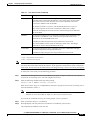
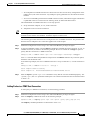
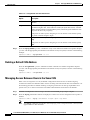
•
All service modules except MPSM should display Active/Active.
•
MPSM cards should display Standby/Empty.
Cisco MGX 8850 (PXM1E/PXM45), Cisco MGX 8950, Cisco MGX 8830, and Cisco MGX 8880 Configuration Guide
Release 5.0.10, OL-3845-01 Rev. B0, August 16, 2004