1
Chapter 3
Provisioning PXM1E Communication Links
General PXM1E Configuration Procedures
•
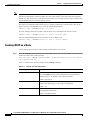
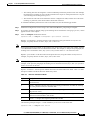
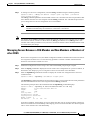
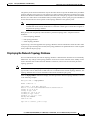
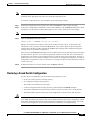
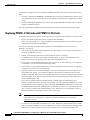
All configuration for P2MP connections is done at the root.You can not do any configuration on the
remote (slave) end of the connection. Any attempt to specify parameters for the remote end will be
blocked.
•
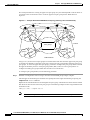
An overview of P2MP, specifications for P2MP connection limits, and multicast support information
is published in the Cisco PNNI Network Planning Guide for MGX and SES Products.
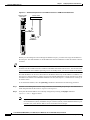
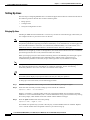
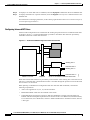
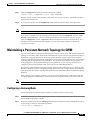
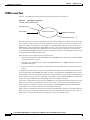
The establishment of a P2MP connection is a two-step process:
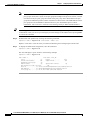
Tip
1.
Set up the master endpoint, or root, of the connection.
2.
Add parties to the root of the connection.
The configuration of SPVCs and SPVPs is very similar. The difference is that SPVPs are assigned VCI
0 and do not use nonzero VCI numbers. An SPVC requires a nonzero VCI.
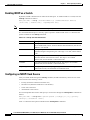
The following procedure describes how to configure the root of a P2MP connection. The procedure that
describes how to add parties to a connection appears later in this chapter.
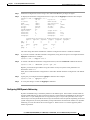
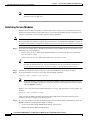
Step 1
Establish a configuration session using a user name with GROUP1 privileges or higher.
Step 2
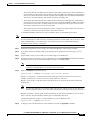
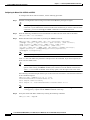
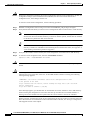
At the active PXM1E prompt, enter the addcon command to establish the master end-point, or root, of
a P2MP connection, as shown in the following example. Be sure to include the -casttype 1 option to
specify that this connection is a P2MP connection.
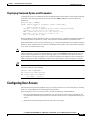
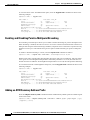
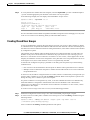
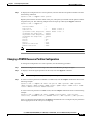
PXM1E_SJ.8.PXM.a > addcon <ifNum> <vpi> <vci> <serviceType> <mastership> -casttype 1
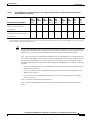
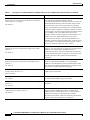
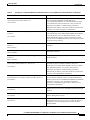
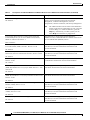
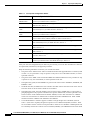
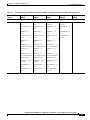
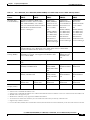
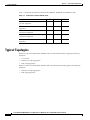
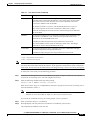
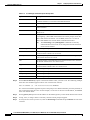
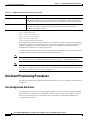
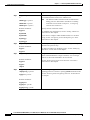
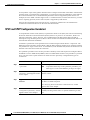
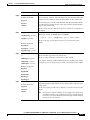
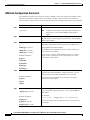
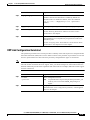
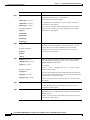
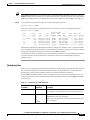
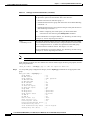
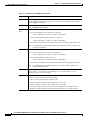
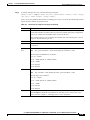
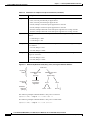
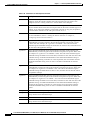
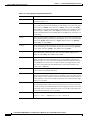
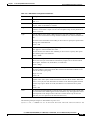
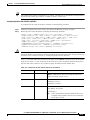
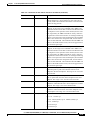
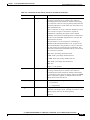
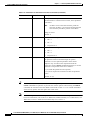
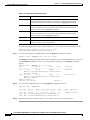
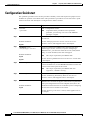
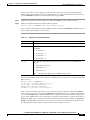
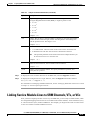
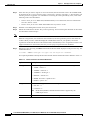
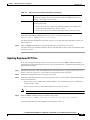
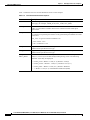
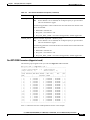
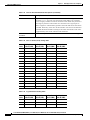
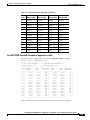
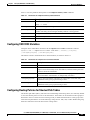
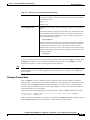
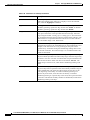
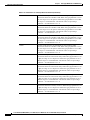
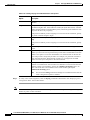
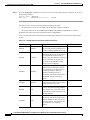
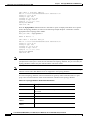
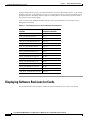
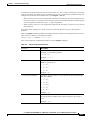
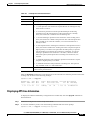
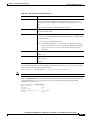
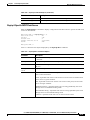
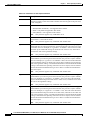
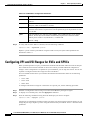
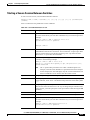
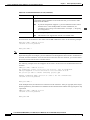
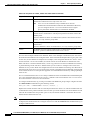
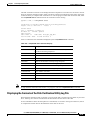
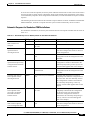
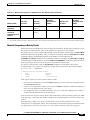
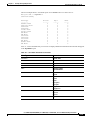
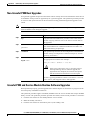
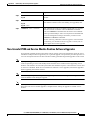
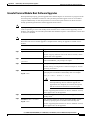
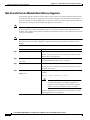
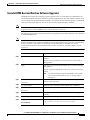
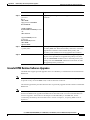
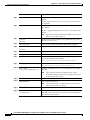
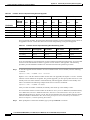
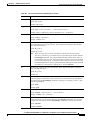
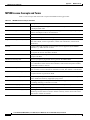
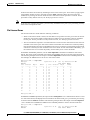
Table 3-17 lists and defines the parameters and options for the addcon command. If you omit an option,
the SPVC uses the default value.
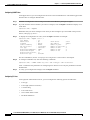
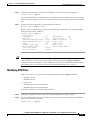
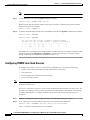
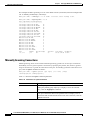
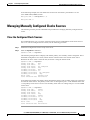
In the following example, the root of a P2MP connection is set up on interface 11, on VPI 100 and VCI
100.
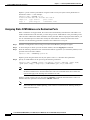
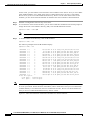
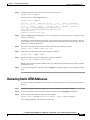
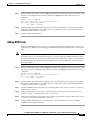
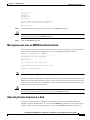
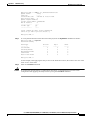
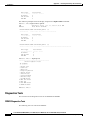
PXM1E_SJ.8.PXM.a > addcon 11 100 100 1 1 -casttype 1
master endpoint added successfully
master endpoint id : 4700918100000000001A533377000001073B0B00.100.100
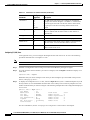
Step 3
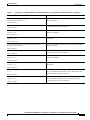
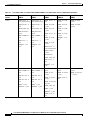
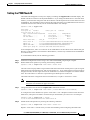
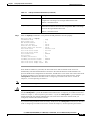
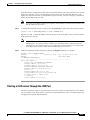
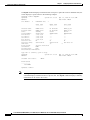
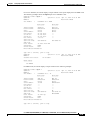
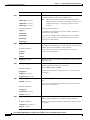
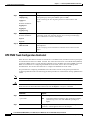
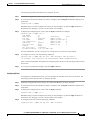
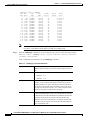
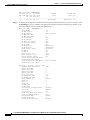
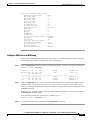
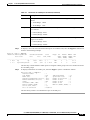
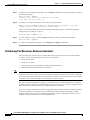
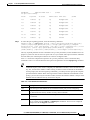
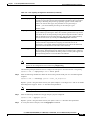
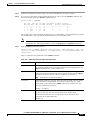
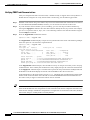
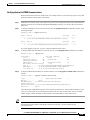
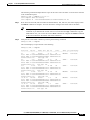
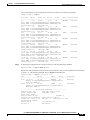
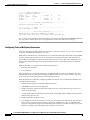
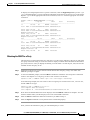
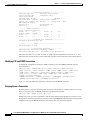
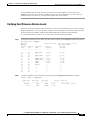
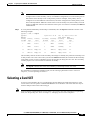
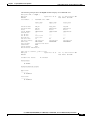
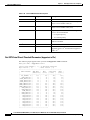
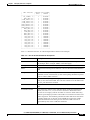
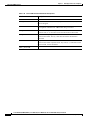
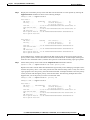
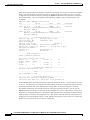
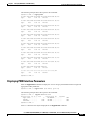
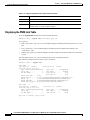
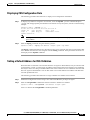
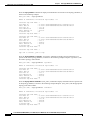
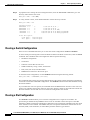
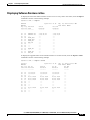
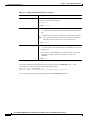
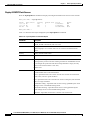
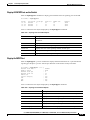
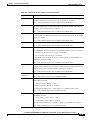
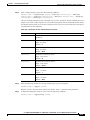
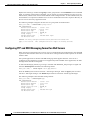
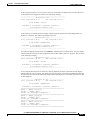
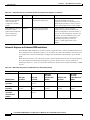
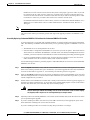
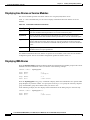
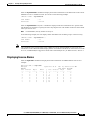
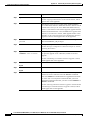
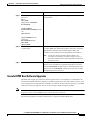
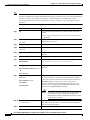
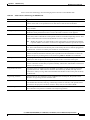
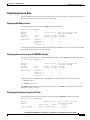
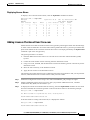
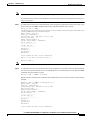
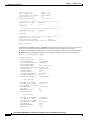
Enter the dspcon <portid> <vpi> <vci> command to verify that the root was established properly. The
<portid>, <vpi>, and <vci> parameters identify the root connection and are the same as those described
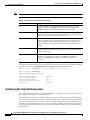
in Table 3-18.
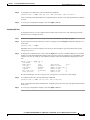
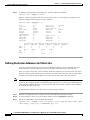
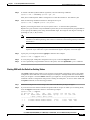
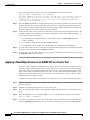
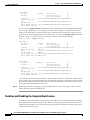
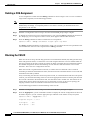
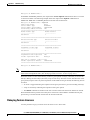
Adding Parties to a P2MP Root Connection
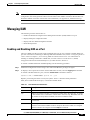
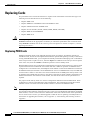
To add a party to a P2MP root connection, use the following procedure.
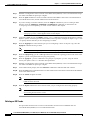
Step 1
Establish a configuration session using a user name with GROUP1 privileges or higher.
Step 2
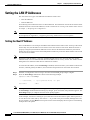
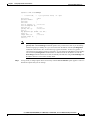
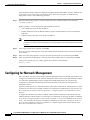
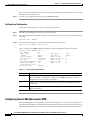
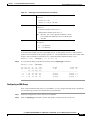
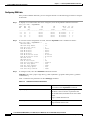
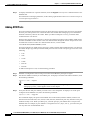
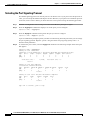
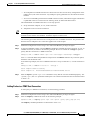
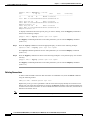
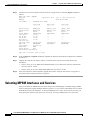
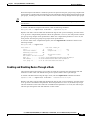
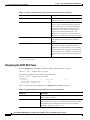
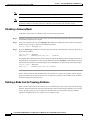
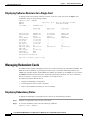
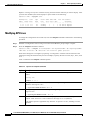
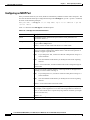
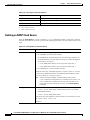
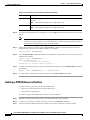
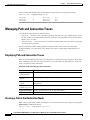
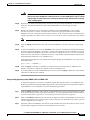
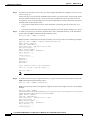
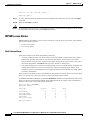
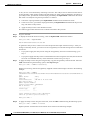
Enter the addparty command as shown in the following example.
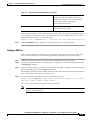
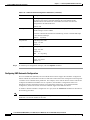
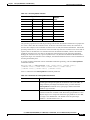
mgx8830a.1.PXM.a > addparty <port> <vpi> <vci> <epref> [-party <party_nsap.vpi.vci>]
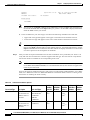
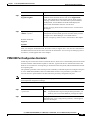
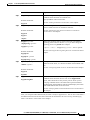
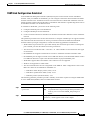
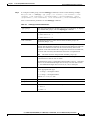
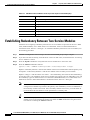
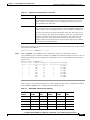
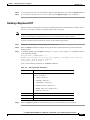
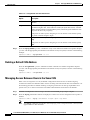
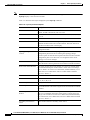
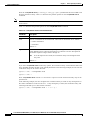
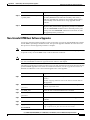
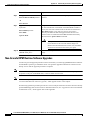
The addparty command parameters are described in Table 3-18.
Cisco MGX 8850 (PXM1E/PXM45), Cisco MGX 8950, Cisco MGX 8830, and Cisco MGX 8880 Configuration Guide
Release 5.0.10, OL-3845-01 Rev. B0, August 16, 2004
3-81