1
Appendix F
MPSM Licensing
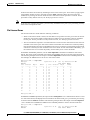
MPSM Licensing Information
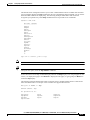
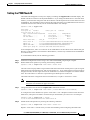
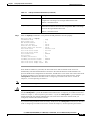
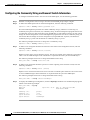
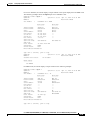
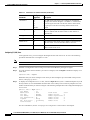
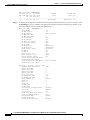
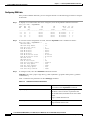
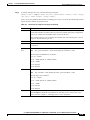
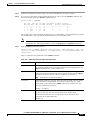
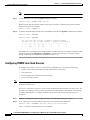
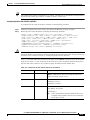
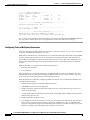
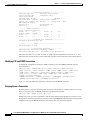
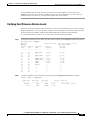
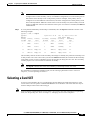
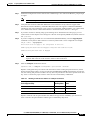
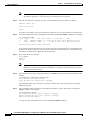
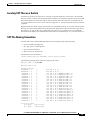
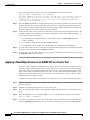
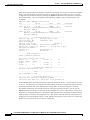
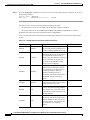
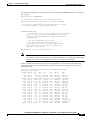
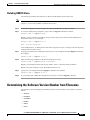
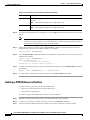
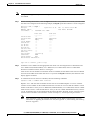
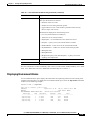
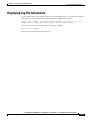
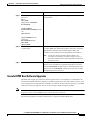
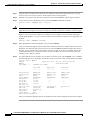
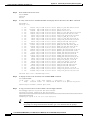
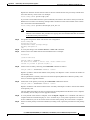
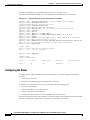
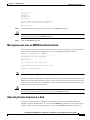
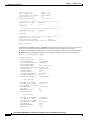
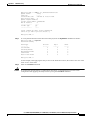
cnflic: Do you want to proceed (Yes/No)? y
Licence file has been generated as: C:/LICENSE/LX-M8850_NY-7.lic
Licence is:
0105000443e166180e7a310f483833a54079b77eb217332057c3d2fbaa4e9245def5aad5558458d6ab2f6bc64a
6c0441839dbdbb43e02aa7a179facb8e058de821e270a233ce87c3
M8850_SF.7.PXM.a >
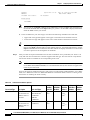
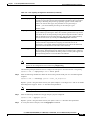
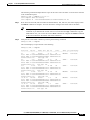
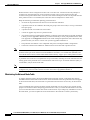
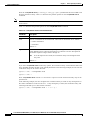
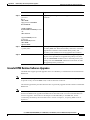
This step removes the licenses identified for transfer from the license pool, and these licenses are no
longer available for use on the source switch. To verify that transferred licenses have been removed from
the source switch, enter the dsplics command.
This step also generates a new license key and a new license file, which can be used to install the
removed licenses on the destination switch. The license key appears in the command output. The license
file is stored in the C:/LICENSE directory.
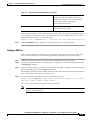
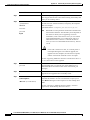
Note
Step 6
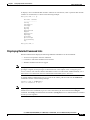
Go to Step 7.
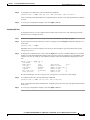
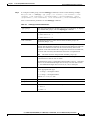
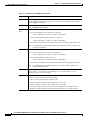
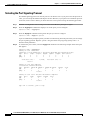
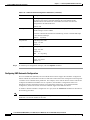
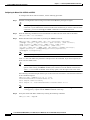
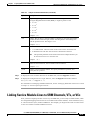
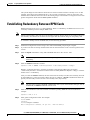
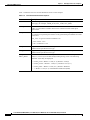
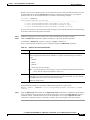
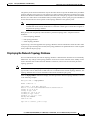
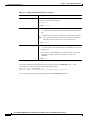
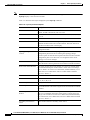
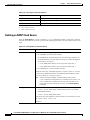
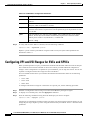
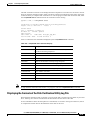
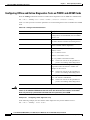
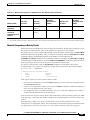
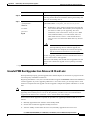
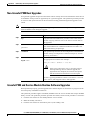
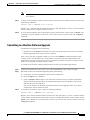
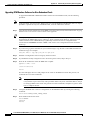
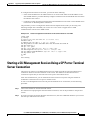
To apply the transfer license using the key in the license file attached to the E-mail from Cisco.com, FTP
that file to the C:/LICENSE directory on the switch, and enter the cnflic command on the source switch,
using the following syntax:
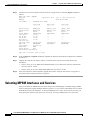
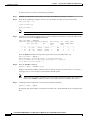
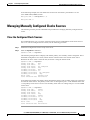
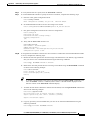
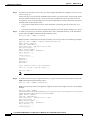
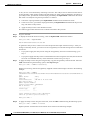
M8850_SF.7.PXM.a > cnflic -f filename
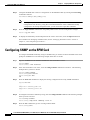
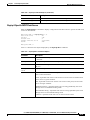
Replace filename with the name of the license file provided by Cisco.com as shown in the following
example:
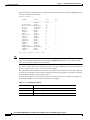
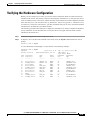
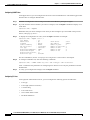
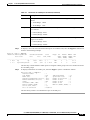
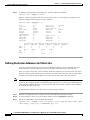
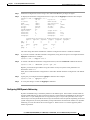
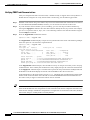
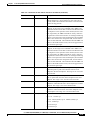
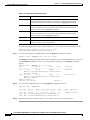
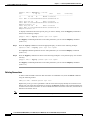
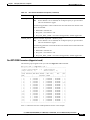
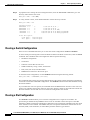
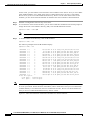
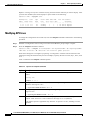
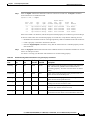
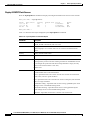
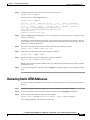
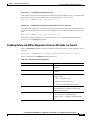
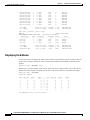
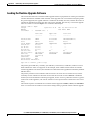
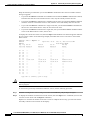
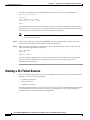
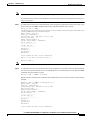
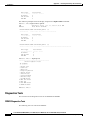
M8850_SF.7.PXM.a > cnflic -f Lmpsmoc3_20040615114539410.dat
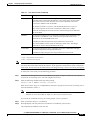
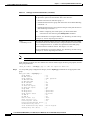
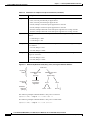
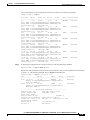
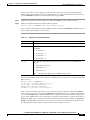
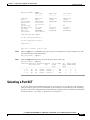
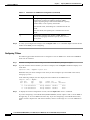
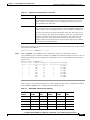
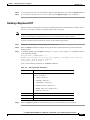
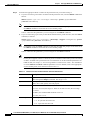
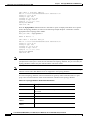
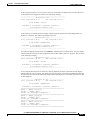
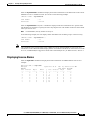
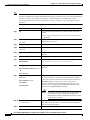
Update method : Xfer-out
Card type : MPSM-T3E3-155
Creation date/time : TUE JUN 15 10:45:39 2004
Grace period (days) : 0
Update sequence number: 8
Licence serial number : L0000008916
Num of features : 4
--------------- ----License Type Qty
--------------- ----MultiSrvc 1
Channelize 1
RateControl 1
MultiLink 1
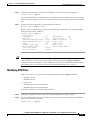
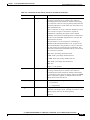
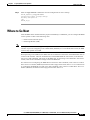
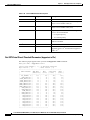
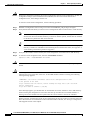
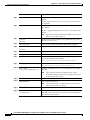
Please confirm the above licence information.
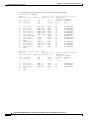
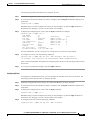
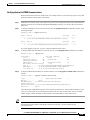
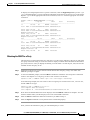
cnflic: Do you want to proceed (Yes/No)? y
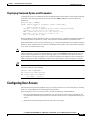
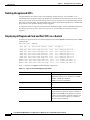
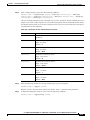
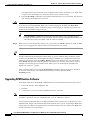
Licence file has been generated as: C:/LICENSE/LX-M8850_NY-8.lic
Licence is:
0105000451ee9dc73e426022d432745064f747169cd393f4a8c5238cfe5ac0166765c9ea6428276a01df3225df
ac9aadf17951b2972bb2acf0950fda2a57892fe6e3ec93e1a26e16
M8850_SF.7.PXM.a >
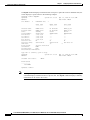
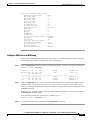
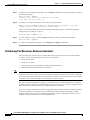
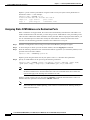
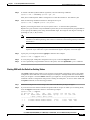
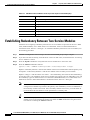
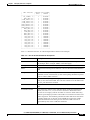
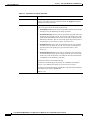
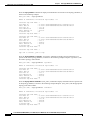
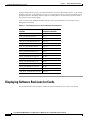
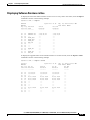
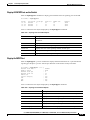
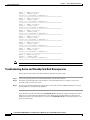
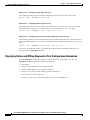
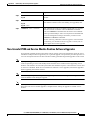
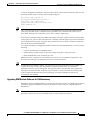
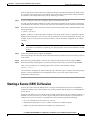
This step removes the licenses identified for transfer from the license pool, and these licenses are no
longer available for use on the source switch. To verify that transferred licenses have been removed from
the source switch, enter the dsplics command.
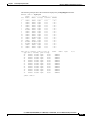
This step also generates a new license key and a new license file, which can be used to install the
removed licenses on the destination switch. The license key appears in the command output. The license
file is stored in the C:/LICENSE directory.
F-16
Cisco MGX 8850 (PXM1E/PXM45), Cisco MGX 8950, Cisco MGX 8830, and Cisco MGX 8880 Configuration Guide
Release 5.0.10, OL-3845-01 Rev. B0, August 16, 2004