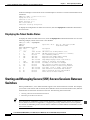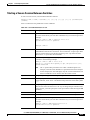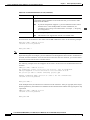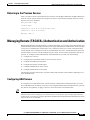
1
Appendix A
Downloading and Installing Software Upgrades
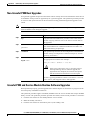
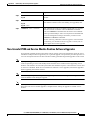
Upgrade Procedures for RPM-PR and RPM-XF Cards
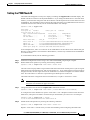
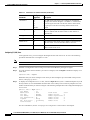
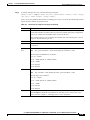
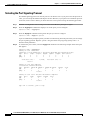
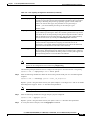
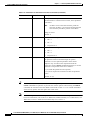
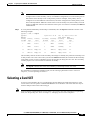
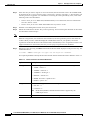
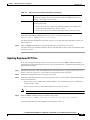
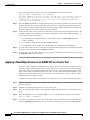
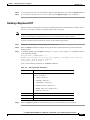
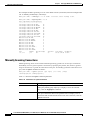
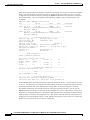
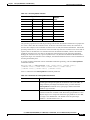
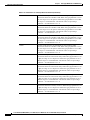
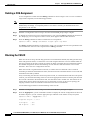
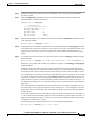
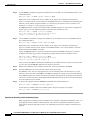
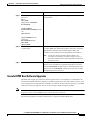
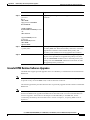
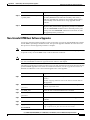
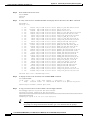
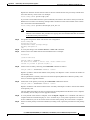
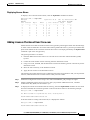
To upgrade the RPM runtime software for 1:N redundancy, use the following procedure.
Step 1
Copy the new runtime software file for the RPM card to the switch (C:FW) as described in the “Copying
Software Files to the Switch” section earlier in this appendix.
Step 2
If you are using a generic filename for your runtime images, copy the file on the PXM hard disk and
rename the copy. For example:
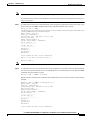
8850_LA.8.PXM.a > copy rpm-js-mz_122-4.T rpm-js-mz
Step 3
Establish a configuration session using any valid user name.
Step 4
If your RPM is already configured to use a file with a generic name, skip to Step 13.
Step 5
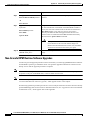
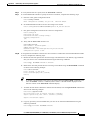
Enter the cc command to select the RPM card to update.
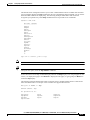
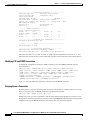
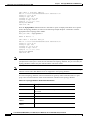
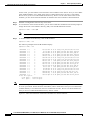
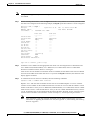
pop20two.7.PXM.a > cc 9
(session redirected)
Router>
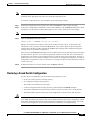
The switch displays the Cisco IOS prompt for the router on the RPM card. From this point on, all
commands are Cisco IOS commands.
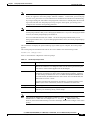
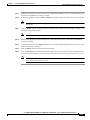
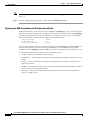
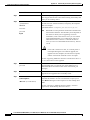
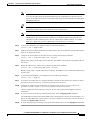
Note
Step 6
This procedure assumes that you are familiar with Cisco IOS commands (which are a topic that
is beyond the scope of this book). This procedure details only those commands that are unique
to setting up RPM on the switch. For general Cisco IOS commands, examples are given to show
how to complete the task.
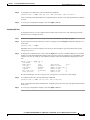
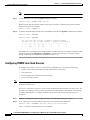
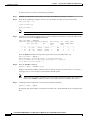
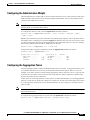
Enter Enable mode for the router.
Router>enable
Password:
Router#
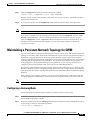
Step 7
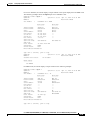
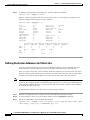
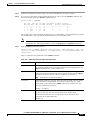
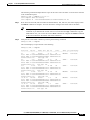
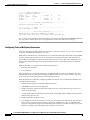
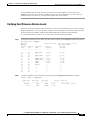
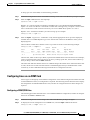
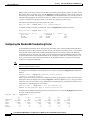
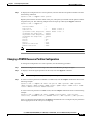
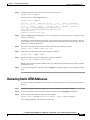
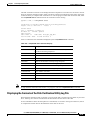
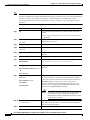
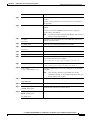
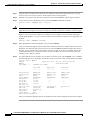
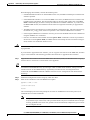
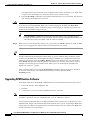
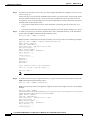
Display the startup runtime software filename by entering the show bootvar command.
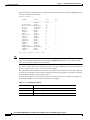
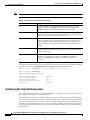
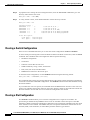
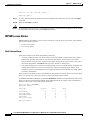
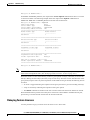
Router#show bootvar
BOOT variable = x:rpm-js-mz_122-4.T,12;
CONFIG_FILE variable = c:auto_config_slot09
BOOTLDR variable does not exist
Configuration register is 0x2
In the example above, the startup runtime software file is x:rpm-js-mz_122-4.T, and it has a version
number attached to it. Another way to view the boot list is to enter the show startup-config command
and look for the boot system commands.
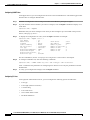
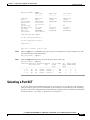
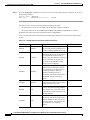
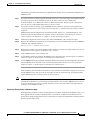
Step 8
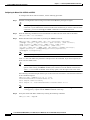
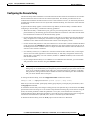
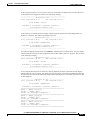
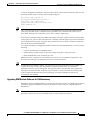
Enter the router global configuration mode.
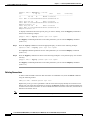
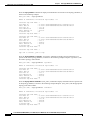
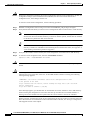
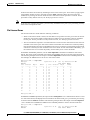
Router#config terminal
Enter configuration commands, one per line.
Step 9
End with CNTL/Z.
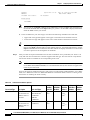
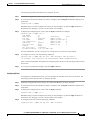
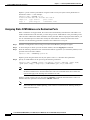
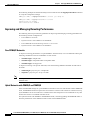
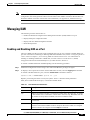
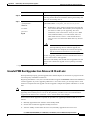
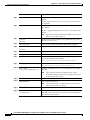
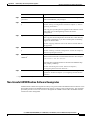
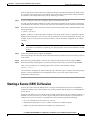
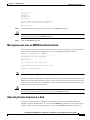
If you need to change the boot system filenames, remove the existing boot list using the boot system
command as follows:
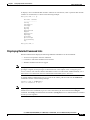
Router(config)# no boot system
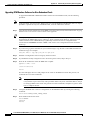
Step 10
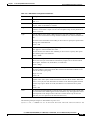
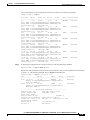
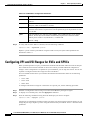
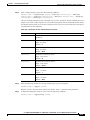
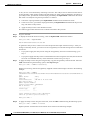
Create a new boot list by entering one or more boot system commands as follows:
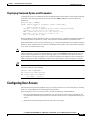
Router(config)# boot system x:filename
A-42
Cisco MGX 8850 (PXM1E/PXM45), Cisco MGX 8950, Cisco MGX 8830, and Cisco MGX 8880 Configuration Guide
Release 5.0.10, OL-3845-01 Rev. B0, August 16, 2004