Download Cabletron Systems MT8 Specifications
Transcript
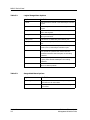
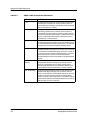
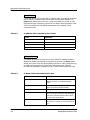
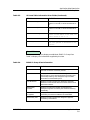
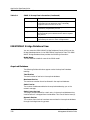
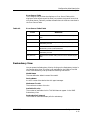
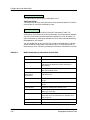
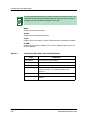
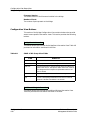
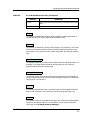
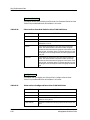
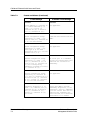
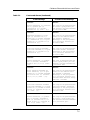
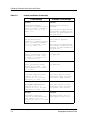
Application View Description SNMP IP Group View IP Add Table This button allows you to access the IP Address Table. This table provides the hub IP address, interface index, subnet mask and broadcast address. The Print button allows you to print out a copy of the table to a printer or a file. Double-clicking on a table entry opens the IP Address Table Information View. Table 3-2 provides the information displayed by the IP Address Table Information View. Table 3-2. IP Address Table Information View Fields Field Definition IP Address The IP address of the interface. Interface The number of the interface. Net Mask Addr The subnet mask address of the interface. Broadcast Addr The broadcast address of the interface. IP Route Table This button allows you to access the IP Route Table. This table provides a description of each transmission route known by the hub. The Print button allows you to print out a copy of the table to a printer or a file. Double-clicking on a table entry opens the IP Route Table Information View. Table 3-3 provides the information displayed by the IP Route Table Information View. Table 3-3. Application Views 3-8 IP Route Table Information View Fields Field Definition Destination Address The destination IP address of this route. An address of 0.0.0.0 is considered a default route. Local Interface The local interface through which the next hop on this route should be reached. Next Hop Address The IP address of the next hop on this route. Route Type Specifies the type of route. You may change this by clicking on the button and selecting a new choice. Possible values are: N/A, Other, Invalid, Direct, and Remote. Primary Metric_1 The primary routing metric for this route. If this metric is not used, its value should be set to -1. Cabletron Ethernet Hubs Management Module Guide