Download Cabletron Systems MT8 Specifications
Transcript
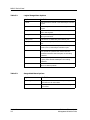
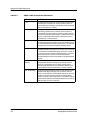
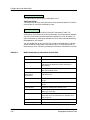
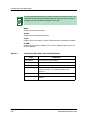
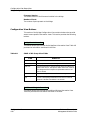
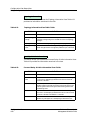
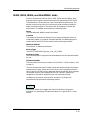
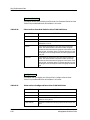
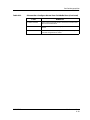
Accessing the Device Performance View IRBM, IRM2, IRM3 and MiniMMAC Hubs Table 6-3. Error Breakdown Pie Chart (Continued) Statistic Definition Giants The number of frames detected with a size greater than 1518 bytes. OOW Coll The number of Out Of Window collisions detected by the hub. Errors This button, available only for the IRM3, provides the same information as the Detail button for IRM2, IRBM, and MiniMMAC hubs. Frames This button, available only for the IRM3, displays two pie charts. The Frame Size pie chart shows the total number of frames, grouped according to their size in bytes. The Protocol pie chart shows the number of frames per protocol type. Scroll to Date-Time This button allows you to view historical data related to hub performance. For example, if you set a date and time for two days ago, you can view hub performance statistics for two days ago. Change Time Scale This button allows you to change how time is measured on the line graph in the hub Performance View. You can choose to display statistics in time blocks ranging from 1 to 100 hours. Events This button accesses the Event Log containing a list of hub-specific network events. Use the menu or the scroll bars to scroll through the Event Log. Alarms This button allows you to access the Alarms View. The Alarms View displays a list of current network alarms. For information on how to use the Alarms View, refer to the Enterprise Alarm Manager 9030367 E8 Performance Views 6-5