1
Viz Engine Administrator’s Guide
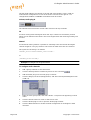
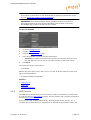
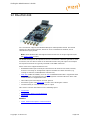
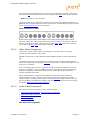
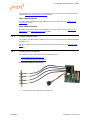
Once the machine is powered up, check that the Matrox X.mio board has been correctly
installed. Check that the blue OB -light on the (top) backside of the slot panel is set to
ON. If the LED is ON the board is correctly supplied with power.
20.4
HP Z800 Installations
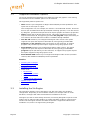
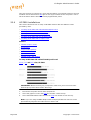
This section describes how to setup a HP Z800 machine with the different cards
provided by Vizrt:
• To setup an HP Z800 with a BlueFish444 Epoch board
• To setup an HP Z800 with a DVS board
• To setup an HP Z800 with a Matrox board
• To setup an HP Z800 with two graphics cards
• To setup an HP Z800 with a capture card
See Also
• NVIDIA Graphics Cards
• BlueFish444
• Digital Video Systems
• Matrox X.mio Series
• Matrox DSX LE Series
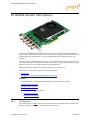
• NVIDIA Quadro SDI Capture
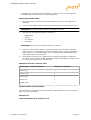
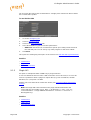
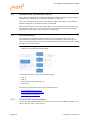
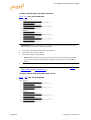
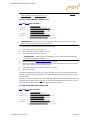
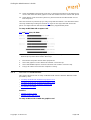
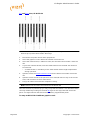
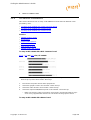
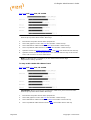
To setup an HP Z800 with a BlueFish444 Epoch board
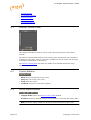
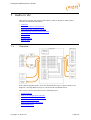
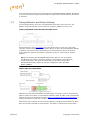
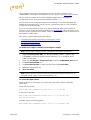
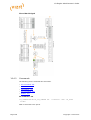
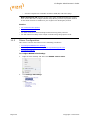
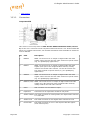
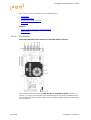
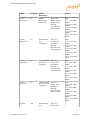
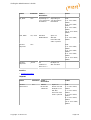
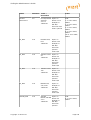
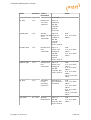
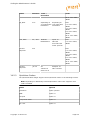
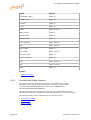
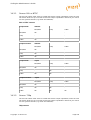
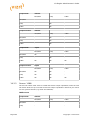
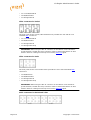
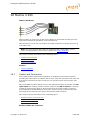
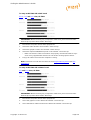
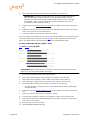
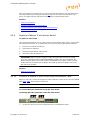
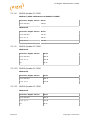
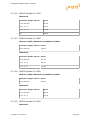
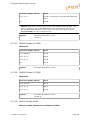
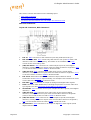
PCI-X , PCI and AGP slots, HP Z800
IMPORTANT! Before touching any components make sure you use an anti-static
wrist strap to prevent electrostatic discharge.
1.
Disconnect the power and all other peripherals.
2.
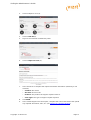
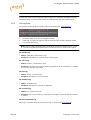
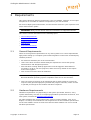
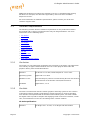
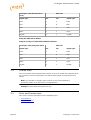
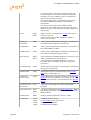
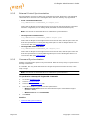
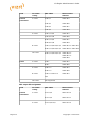
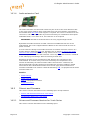
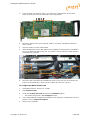
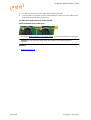
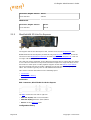
Insert the graphics card in the PCIe slot number 2 from the top.
3.
Insert the BlueFish444 video board in the PCIe slot number 4 from the top.
Note: If you are using the BNC adaptor with the Epoch|2K Horizon board it can be
placed directly adjacent the video board on either side.
Page 296
Copyright © 2014 Vizrt