1
Viz Engine Administrator’s Guide
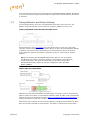
• TCP: The recommended communication protocol to synchronize maps on start-up
because it is reliable and efficient (see TCP Protocol).
• UDP: For fast communication, but has drawbacks. For instance, packets can get lost
(see UDP Protocol).
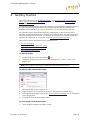
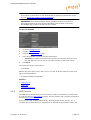
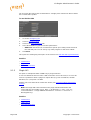
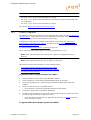
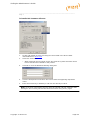
To Synchronize a Viz Engine with TCP or UDP
1.
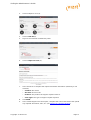
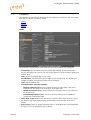
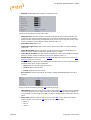
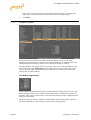
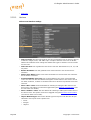
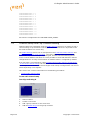
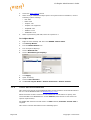
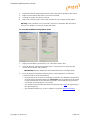
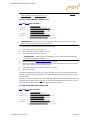
Go to the Configuring Viz.
2.
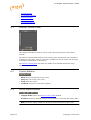
Click on Communication.
3.
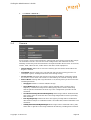
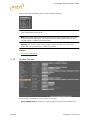
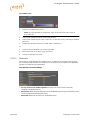
Click on the Shared Memory tab.
4.
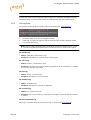
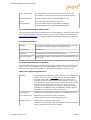
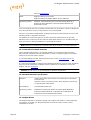
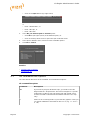
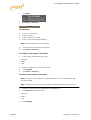
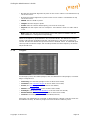
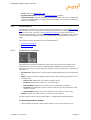
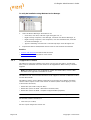
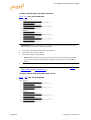
Enter the port number for:
• UDP Port, or
• TCP Port
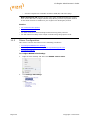
Note: Vizrt does not recommend a specific port number. Always make sure
that the selected port number is not in use by any other program on the
same subnet.
5.
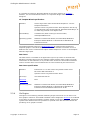
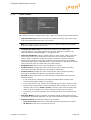
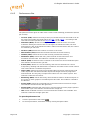
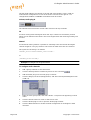
In Master Engine Ip Address type the Ip address of a running Viz Engine to
synchronize with. Example <IP/hostname of Viz Engine 3>.
Note: Must be the Ip address of a running Viz Engine in the same cluster
system.
6.
In Master Engine Port type the port number to be used (default 6100).This
port sends the single startup synchronization command to start synchronizing. It
should be the same as the general communication port of the Viz Engine set in
Master Engine Ip Address.
7.
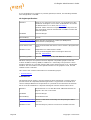
In Master Poll click on:
• UDP, or
• TCP
Note: Must be the same protocol as selected in step 4.
8.
Click Save.
See Also
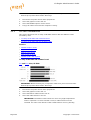
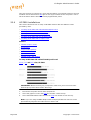
• Command Synchronization
Copyright © 2014 Vizrt
Page 141