1
Viz Engine Administrator’s Guide
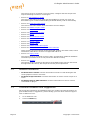
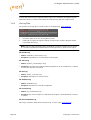
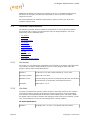
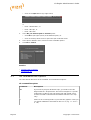
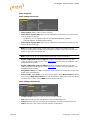
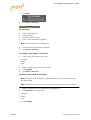
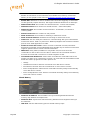
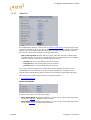
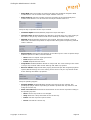
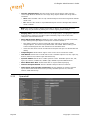
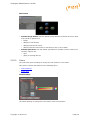
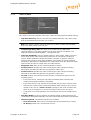
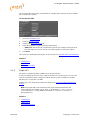
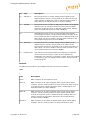
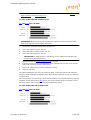
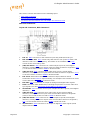
• TCP Port: Set the TCP listening port for shared memory input.
• Debug: Enable Shared Memory logging for UDP and TCP communication.
• Master Engine IP Address: Set the IP address of the master Viz Engine which
holds the complete shared memory map (loaded during startup of Viz Engine).
• Master Engine Port: Set the initializing port for the shared memory on startup
(the command port of the master Viz Engine).
• Master Poll: When enabled Viz Engine will load the shared memory map from the
defined master Viz Engine. Available options are:
• Inactive
• Commands
• UDP
• TCP
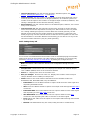
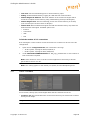
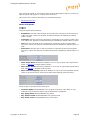
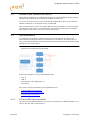
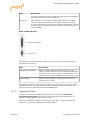
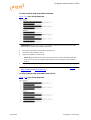
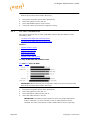
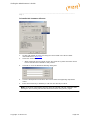
To limit the number of TCP connections
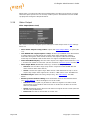
From Viz Engine 3.3 the number of TCP connections to Viz Artist can be set in the Viz
configuration.
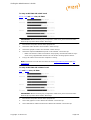
1.
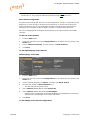
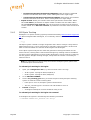
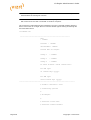
Open the Viz configuration file (Viz-<hostname>-0-0.cfg):
• 32-bit system: C:\Program Files\vizrt\Viz3\ or
• 64-bit system: C:\Program Files (x86)\Viz3\
2.
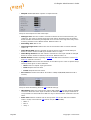
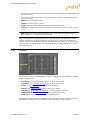
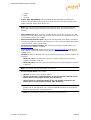
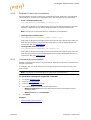
Under SECTION COMMUNICATION set ‘max_tcp_connections’ to the number of
TCP connections required.
Note: If the number is set to 1 the first control application connecting to Viz will
get exclusive control over Viz.
Note: This setting applies to the default port (6100) and the Multiplexing Ports.
5.6
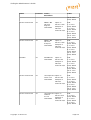
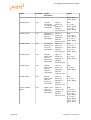
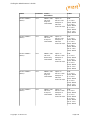
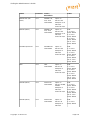
Clock Formats
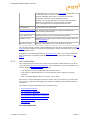
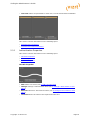
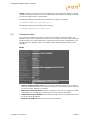
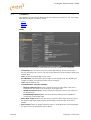
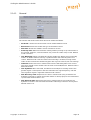
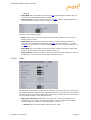
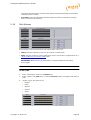
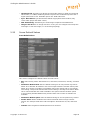
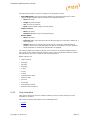
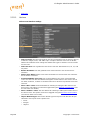
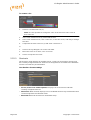
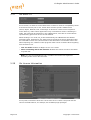
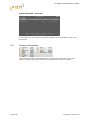
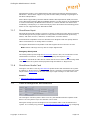
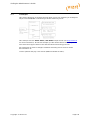
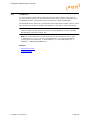
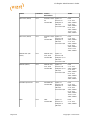
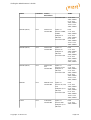
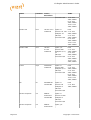
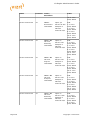
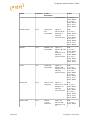
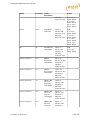
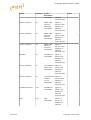
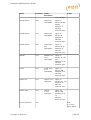
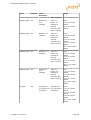
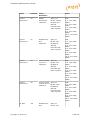
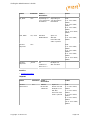
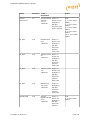
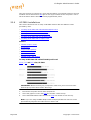
In this section, twenty (20) various digital date and time formats can be set.
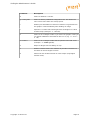
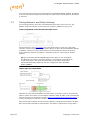
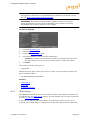
• Format 1-20: Sets and enables the clock formats that may be selected in Viz Artist
during scene design.
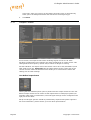
Tip: Add a font GEOM in Viz Artist to see how the clock formats can be used.
Copyright © 2014 Vizrt
Page 69