1
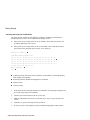
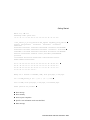
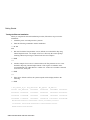
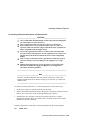
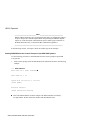
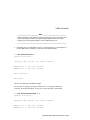
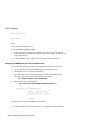
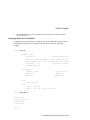
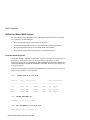
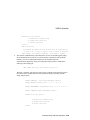
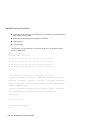
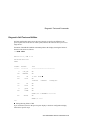
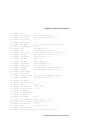
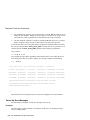
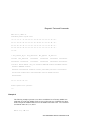
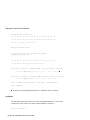
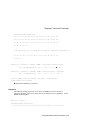
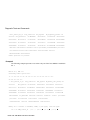
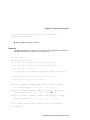
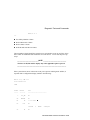
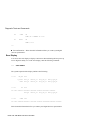
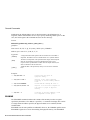
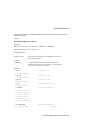
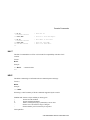
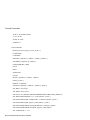
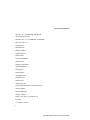
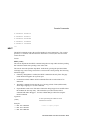
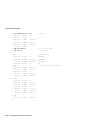
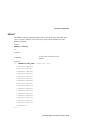
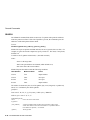
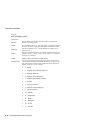
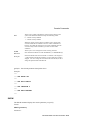
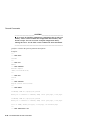
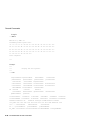
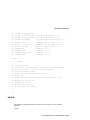
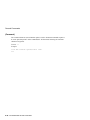
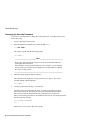
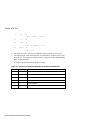
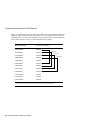
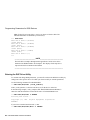
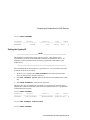
Getting Started Checking the Power-Up Test Results The power-up test can take several minutes to complete, depending on the number of installed options you have and on which default settings you use: A. If the power-up test results on the screen are similar to the results shown below, the system has passed the power-up test. B. If the power-up test results on the screen are not similar to the results shown below, the system has not passed the power-up test. Go to sub-step 1. KA57-A V1.0, VMB 2.16 Performing normal system tests. 74..73..72..71..70..69..68..67..66..65..64..63..62..61..60..59.. 58..57..56..55..54..53..52..51..50..49..48..47..46..45..44..43.. 42..41..40..39..38..37..36..35..34..33..32..31..30..29..28..27.. 26..25..24..23..22..21..20..19..18..17..16..15..14..13..12..11.. 10..09..08..07..06..05..04..03.. Tests completed. >>> Central Processing Unit (CPU) name, Firmware version number, and Virtual Memory Boot (VMB) version number Read-Only Memory (ROM) based diagnostics countdown Status message Console prompt 1. Write down the error messages and the error summaries. the following example shows an error message and an error summary. 2. Turn the system off and remove the AC power cord. 3. Make sure that all the connections you made in step 3, step 4, step 5, and step 6 are correct. 4. Attach the AC power cord and power the system on. 5. If an error report is still displayed, see the Troubleshooting chapter in this manual. 2-36 VAX 4000 Model 108 User Information