1
Console Commands
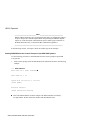
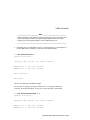
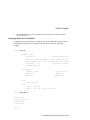
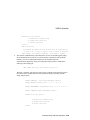
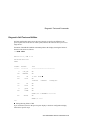
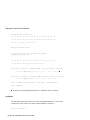
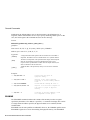
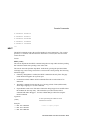
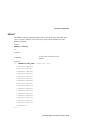
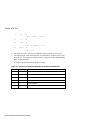
UNJAM
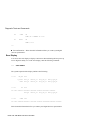
Example:
>>>
UNJAM
>>>
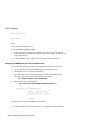
X -- Binary Load and Unload
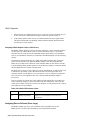
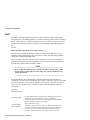
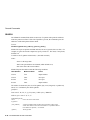
The X command is for use by automatic systems communicating with the console. The X
command loads or unloads (that is, writes to memory or reads from memory) the specified
number of data bytes through the console serial line (regardless of console type) starting at
the specified address.
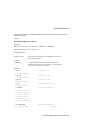
Format:
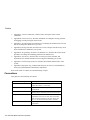
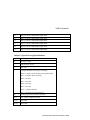
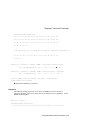
X {address} {count} CR {line_checksum} {data} {data_checksum}
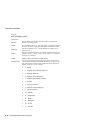
Arguments:
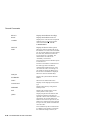
{address}
{count}
The address to unload data from or load data to.
Indicates whether to load or unload data, and also indicates the
amount of data to load or unload.
If bit 31 of the count is clear, data is received by the console and
put into memory. If bit 31 is set, data is read from memory and
sent by the console. The remaining bits in the count are a positive
number indicating the number of bytes to load or unload.)
CR
The console accepts a load or unload command when it receives
the carriage return.
{line_checksum}
The line_checksum is the next byte the console receives. The
line_checksum is not echoed.
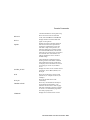
The line_checksum is verified by adding all the command
characters, including the checksum and separating space, into an 8bit register initially set to zero. The line checksum does not include
the terminating carriage return, rub-outs, or characters deleted by a
rub-out. If no errors occur, the result is zero.
If the line_checksum is correct, the console responds with the input
prompt and either sends data to the requester or prepares to receive
data.
If the line_checksum is in error, the console responds with an error
message. This prevents the operator from inadvertently entering
into a mode where the console accepts characters from the
keyboard as data and does not provide an escape mechanism.
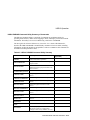
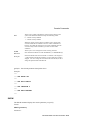
{data}\
If the command is a load (bit 31 of the count is clear), the console
responds with the input prompt (>>>), then accepts the specified
number of bytes of data to be put into memory and an additional
A-28 VAX 4000 Model 108 User Information