1
Calendar Setup program elements
You manage your schedules and library hours in Calendar Setup. In the Calendar Setup
window, you set up different schedules for each patron type. You set up your library’s
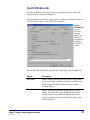
open days and hours in the Weekly Hours window. The Circulation part of the program
uses the library hours that you set up to determine material due dates and calculate fines
for overdue materials.
For help performing Calendar Setup tasks, see "Setting up the calendar" in the Setup
chapter of the Spectrum CIRC/CAT User Manual.
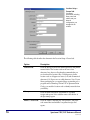
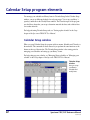
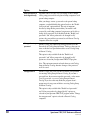
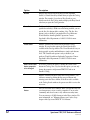
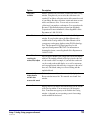
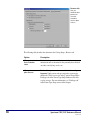
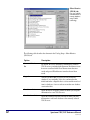
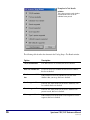
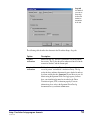
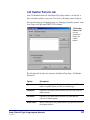
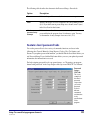
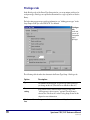
Calendar Setup window
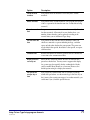
When you open Calendar Setup, the program adds two menus, Schedule and Calendar, to
the menu bar. The commands on these menus let you perform the same functions as the
buttons at the top of the window. The Calendar Setup window is the starting point for
managing your schedules and setting up your library’s hours.
For help setting up your calendar, see "Managing library schedules or "Managing your
calendar" in the Setup chapter of the Spectrum CIRC/CAT User Manual.
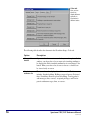
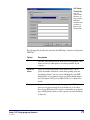
Calendar Setup
window
Here you set up
your library's
schedules and
weekly hours.
22
Spectrum CIRC/CAT Reference Manual
SCC5rm1200tb