1
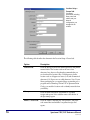
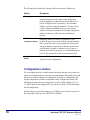
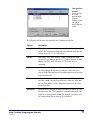
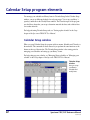
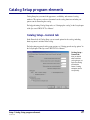
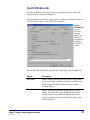
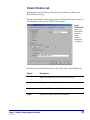
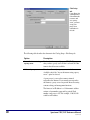
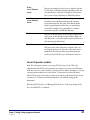
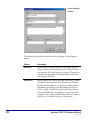
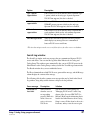
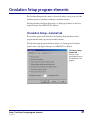
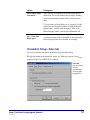
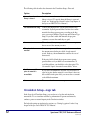
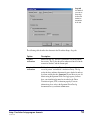
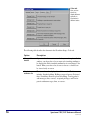
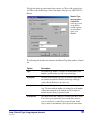
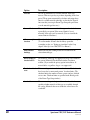
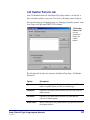
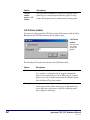
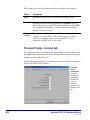
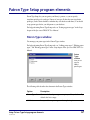
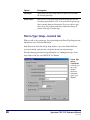
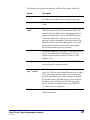
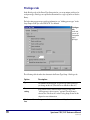
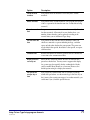
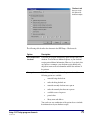
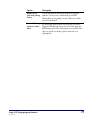
The following table describes the elements in the Circulation Setup—General tab.
50
Option
Description
Set privacy option
Suppresses all material titles in the Circulation window,
regardless of material type (material numbers, checkout dates,
and due dates still appear). However, even if you select this
option, you can still find out a material’s title by doing a
material inquiry.
Allow sounds in
circulation
Enables beeps that occur when you do certain circulationrelated actions.
Display an alert when
a patron with fines is
loaded
When selected, opens an alert in the Circulation window
when you load a patron who has outstanding fines.
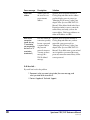
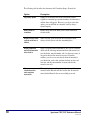
Display additional
material information
after check in
Opens a program window immediately after you do a checkin
and shows the following information about each material you
just checked in: material number, title, last borrower, name of
any patron who has the material on reserve. From this
window, you also access more details about the material(s)
you checked in, such as date and time checked out, date and
time due, and the patron number of anyone who has the
material on reserve.
Clear patron
information after
each complete
transaction
When selected, removes the patron information and the
materials in the Materials checked out list after all materials
entered in the Materials list are successfully processed.
Spectrum CIRC/CAT Reference Manual
SCC5rm1200tb