1
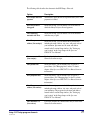
Option
Description
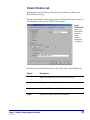
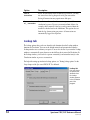
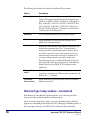
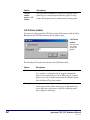
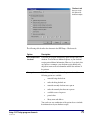
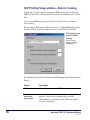
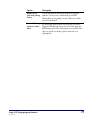
Print comments
(1–5)
If selected, includes the comment lines that you enter in the
General tab on all checkout receipts.
SLIP Setup—Fines tab
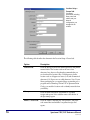
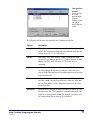
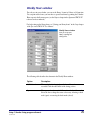
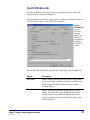
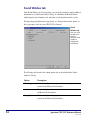
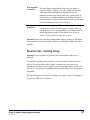
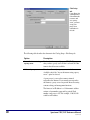
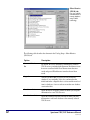
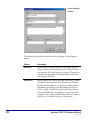
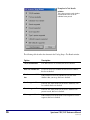
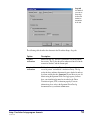
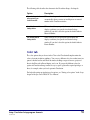
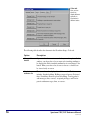
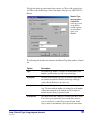
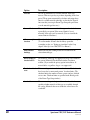
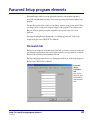
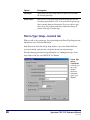
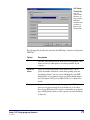
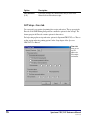
You can specify your options for printing fine receipts and notices. The top group in the
Fines tab of the SLIP Printing Setup window contains the options for fine receipts. The
bottom group in the Fines tab contains options for fine notices.
For help setting up fine receipt and notice options for Spectrum CIRC/CAT, see "How to
set fine receipt and notice printing options" in the Setup chapter of the Spectrum
CIRC/CAT User Manual.
Fines tab
Here you set
up SLIP
options for
fine receipts
and notices.
76
Spectrum CIRC/CAT Reference Manual
SCC5rm1200tb