1
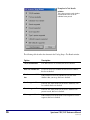
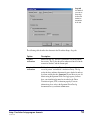
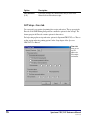
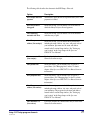
SLIP Setup—
General tab
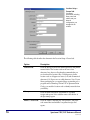
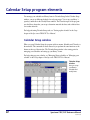
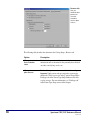
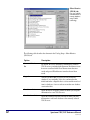
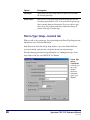
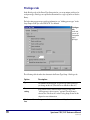
Here you
choose which
printer to use
and set up any
additional
comments that
you want to
print on your
SLIP printouts.
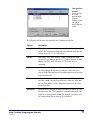
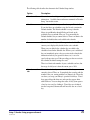
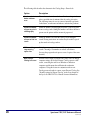
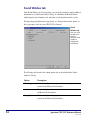
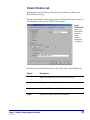
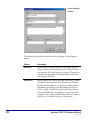
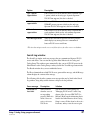
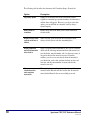
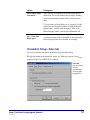
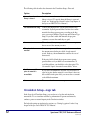
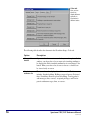
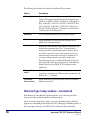
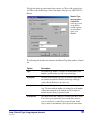
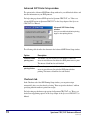
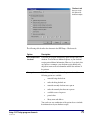
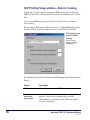
The following table describes the elements in the SLIP Setup—General tab in Spectrum
CIRC/CAT.
Option
Description
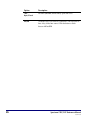
Printer
The name of the printer where the SLIP data is sent for printing. These
names are based on which printers are currently installed on your
computer.
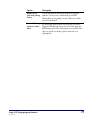
Advanced
button
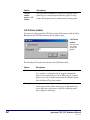
Opens the Advanced SLIP Printer Setup window where you can
specify the number of linefeeds to insert before printing starts and
after printing finishes. You may want to add linefeeds if your SLIP
bibliographies are not printing correctly (see SLIP troubleshooting in
the Setup chapter of the Spectrum CIRC/CAT Reference Manual for
details).
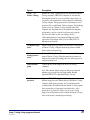
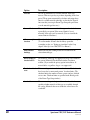
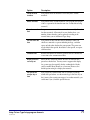
Comments
Lets you enter additional information to appear on the SLIPs that you
print, up to five lines in length. You can include any or all of these
lines on each SLIP printout. To include a comment line on a particular
type of SLIP printout, enable it on the respective tab (either Checkouts
or Fines tab).
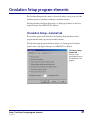
Setup: SLIP Setup program elements
SCC5um1200tb
73