1
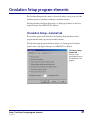
Patron Type Setup program elements
Patron Type Setup lets you categorize your library’s patrons, so you can specify
circulation privileges for each type. Patrons of one type all share the same circulation
privileges (such as their schedule or whether they can check out with fines). You should
set up patron types before you add patrons to your database.
For help performing Patron Type Setup tasks, see "Setting up patron types" in the Setup
chapter of the Spectrum CIRC/CAT User Manual.
Patron Types window
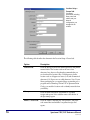
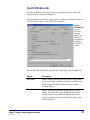
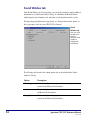
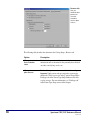
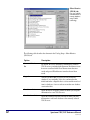
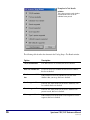
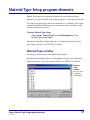
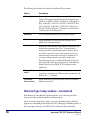
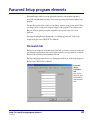
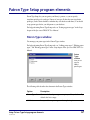
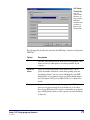
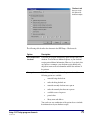
You manage your patron types in the Patron Types window.
For help performing Patron Type Setup tasks, see "Adding patron types", "Editing patron
types", and "Deleting patron types" in the Setup chapter of the Spectrum CIRC/CAT User
Manual.
Patron
Types
window
Here you set
up your
library's
patron types.
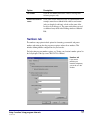
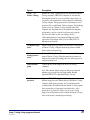
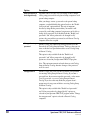
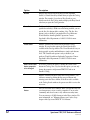
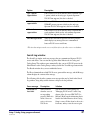
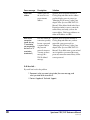
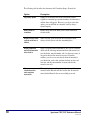
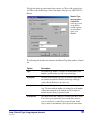
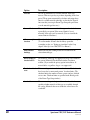
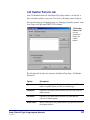
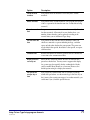
The following table describes the elements in the Patron Types window.
Option
Description
Patron Types list
Contains the list of patron types set up in your library database. By
default, this list is empty.
Add button
Lets you add new patron types and set up their options.
Setup: Patron Type Setup program elements
SCC5um1200tb
67