1
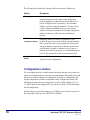
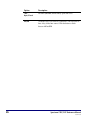
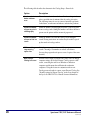
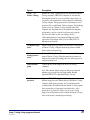
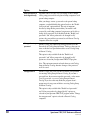
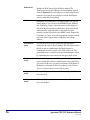
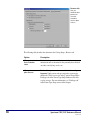
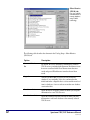
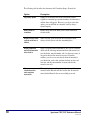
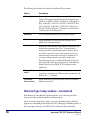
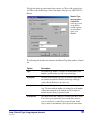
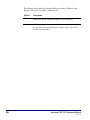
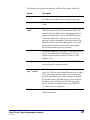
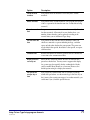
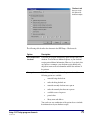
Show hyperlinks
in records as
If selected, displays hyperlink text in the color you specify. A
material’s author(s), subject(s), series title, added entry title, and
added entry author hyperlinks in the Spectrum Catalog are
underlined text that when clicked launch a new catalog search on
the text. After you click the underlined text, the Materials Found
window contains all of the materials found in a catalog search using
the selected underlined word as the search term.
Color
(hyperlinks)
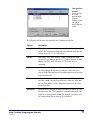
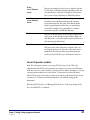
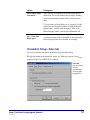
Sets the color for hyperlinks. When you click this button, you open
a window that contains a standard system color palette. Here you
can choose the color you want hyperlink text to be displayed in. By
default, hyperlinks are purple. If you change colors, be sure to
choose a color that can be viewed easily on screen.
Important! In order for search terms and hyperlinks to display correctly on a Windowsbased computer, monitor color settings must be set at a minimum of High Color (16 bit)
or higher.
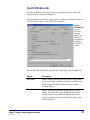
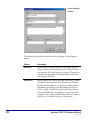
Reserves tab—Catalog Setup
Important! If you do not have any patron records in your database, this tab is not
displayed.
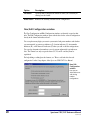
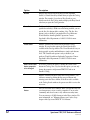
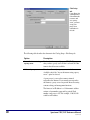
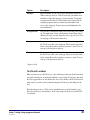
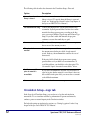
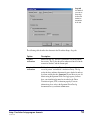
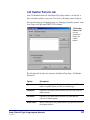
You can choose whether patrons are able to view their circulation status and/or place
reserves. If you select either of these options, you must set up your patron access
information in the Patron Access group. If you don’t select either of these options, you
won’t have to set up patron access information because the Patron Access group will be
unavailable.
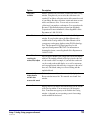
For help setting up reserve options, see "Setting reserve options" in the Setup chapter of
the Spectrum CIRC/CAT User Manual.
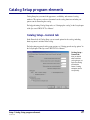
Setup: Catalog Setup program elements
SCC5um1200tb
37