1
3.5 Magnetic Stripe Transactions
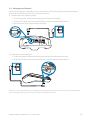
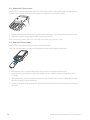
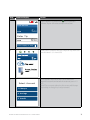
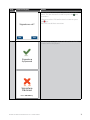
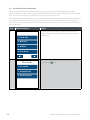
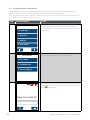
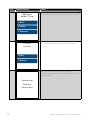
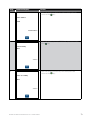
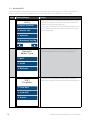
The EFTPOS 1 terminal supports magnetic stripe transactions.
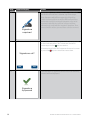
The magnetic stripe reader is located on the right hand side of the terminal.
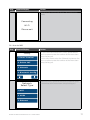
1. P
osition a magnetic stripe card in the card reader with the stripe facing inward, towards the
keypad.
2. T
o ensure a proper read of the magnetic stripe card, please insert the magnetic stripe card
from the top of the unit.
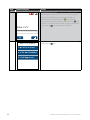
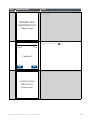
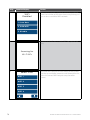
3. Swipe the card smoothly through the magnetic card reader.
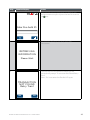
4. I f there is no response from the terminal, or CARD ERROR message is displayed, swipe the
card again. You may be required to swipe faster or slower.
Note: If you have attempted to swipe a chip card the terminal will prompt you to insert the card (See
Section 3.4: Chip Card transactions).
3.6 Cancelling a Transaction
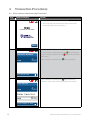
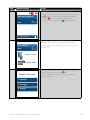
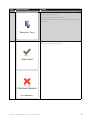
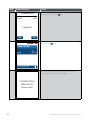
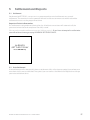
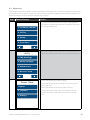
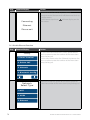
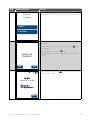
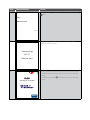
To cancel a transaction during processing, press the
key on the terminal.
Cancel Key
BANK OF MELBOURNE EFTPOS 1 USER GUIDE
11