1
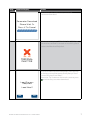
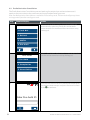
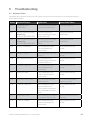
Step
Terminal Display
Action
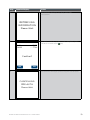
14
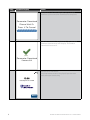
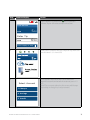
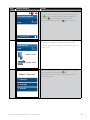
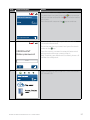
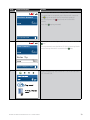
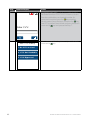
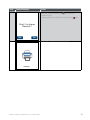
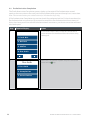
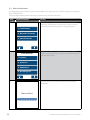
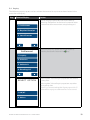
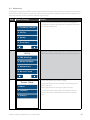
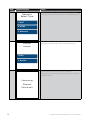
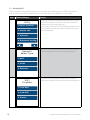
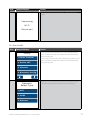
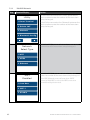
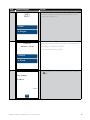
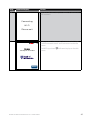
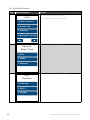
Press the “Yes” button on the touch screen or the
key to print a customer copy.
If not required, press the “No” button on the touch
screen or the key.
Print Customer
Receipt?
No
Yes
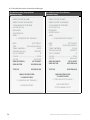
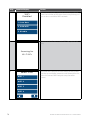
Wait for printer
15
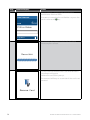
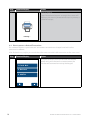
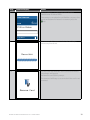
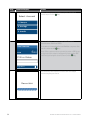
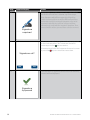
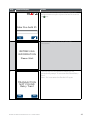
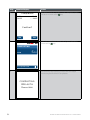
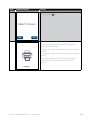
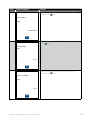
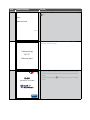
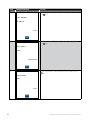
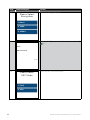
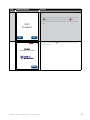
If you have elected to print a receipt, the screen will
display a picture of a printer to indicate it is printing a
customer receipt.
Printing...
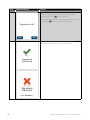
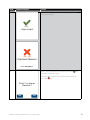
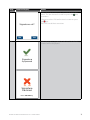
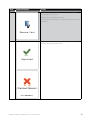
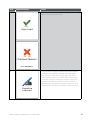
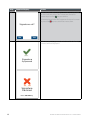
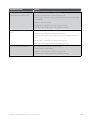
Note: Before completing the purchase, check that the transaction was approved. If the transaction is
declined, the terminal will beep for two seconds and display an error message giving the reason. An
explanation of the error code is available in Section 9.
BANK OF MELBOURNE EFTPOS 1 USER GUIDE
17