1
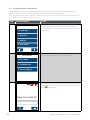
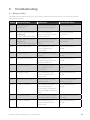
Step
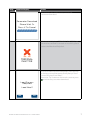
Terminal Display
Action
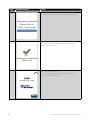
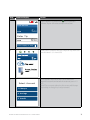
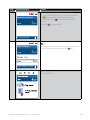
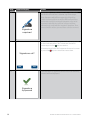
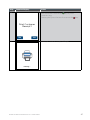
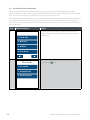
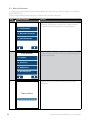
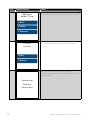
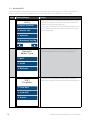
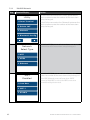
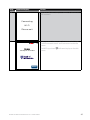
For UnionPay card transactions, the original
transaction date must be entered.
5
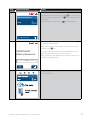
Enter Trans.
Date
DD/MM/YYYY
Locate the receipt of the original transaction which is
being refunded, and enter the transaction date found
on the receipt into the terminal.
Note that the refund amount cannot exceed the
value of the original transaction.
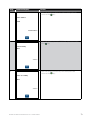
12/10/2014
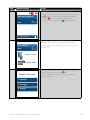
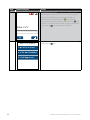
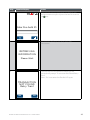
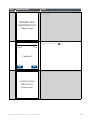
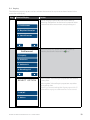
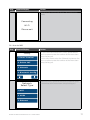
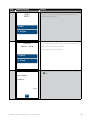
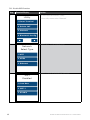
For UnionPay card transactions, the original
transaction receipt reference number must be
entered.
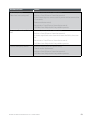
6
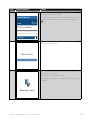
Enter Original
TRAN
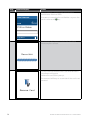
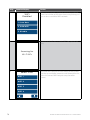
7
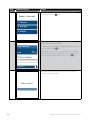
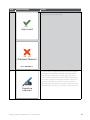
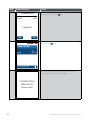
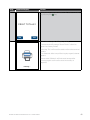
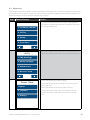
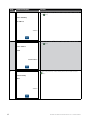
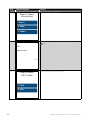
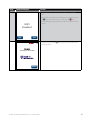
Select Account
Locate the receipt of the original transaction which
is being refunded, and enter the reference number
found on the receipt into the terminal.
Note that the refund amount cannot exceed the
value of the original transaction.
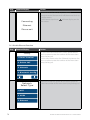
Select the required account by pressing the
appropriate button on the keypad or touch screen.
1. Cheque
2. Savings
3. Credit
28
BANK OF MELBOURNE EFTPOS 1 USER GUIDE