1
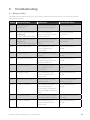
Step
Terminal Display
Action
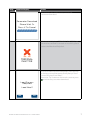
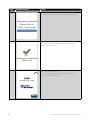
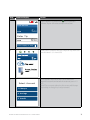
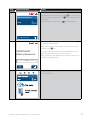
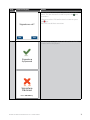
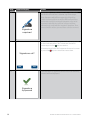
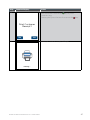
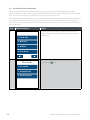
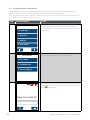
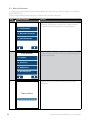
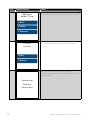
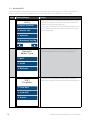
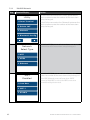
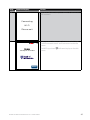
The cardholder can now enter their Personal
Identification Number (PIN). Once entry is complete
the cardholder can press the touch screen or the
key.
7
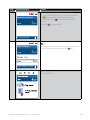
Total Amount
5.00
AUD
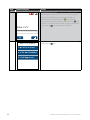
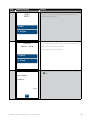
Note: If the customer does not wish to enter a PIN it can
be bypassed for certain card types by leaving the PIN
blank and pressing the touch screen or the key.
PIN or Enter
Signature
8
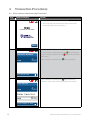
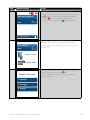
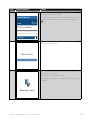
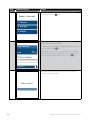
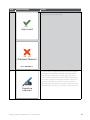
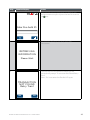
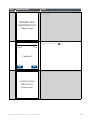
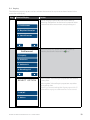
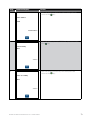
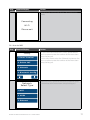
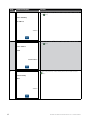
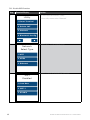
The terminal will connect to the bank and begin
processing the purchase.
Please Wait
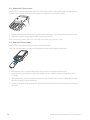
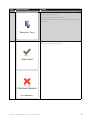
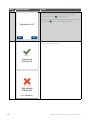
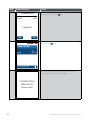
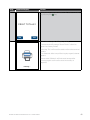
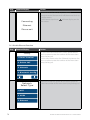
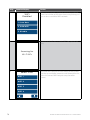
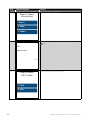
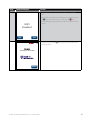
If a chip card was inserted and is yet to be removed,
this prompt will appear. Remove the card at this
prompt.
9
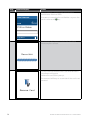
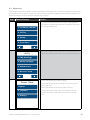
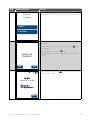
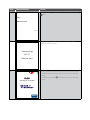
The terminal will beep as a reminder if the card is not
removed.
Remove Card
14
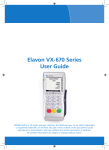
BANK OF MELBOURNE EFTPOS 1 USER GUIDE