1
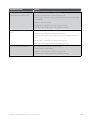
Step
Terminal Display
Action
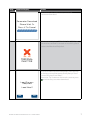
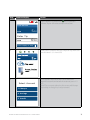
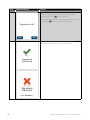
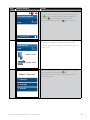
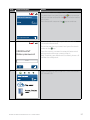
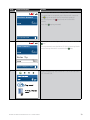
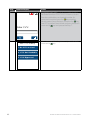
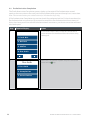
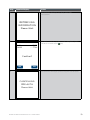
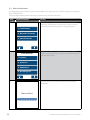
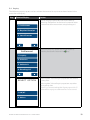
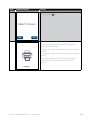
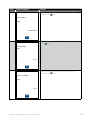
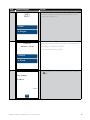
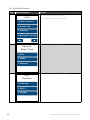
Re-key to confirm the new 6-digit Merchant Password
and press the touch screen or the key.
6
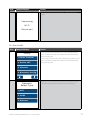
CONFIRM NEW
PASSWORD
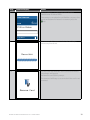
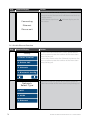
7
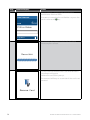
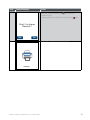
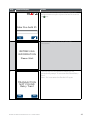
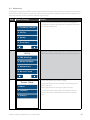
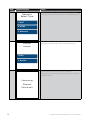
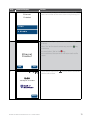
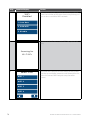
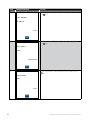
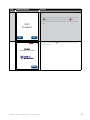
Once the Password has been changed successfully,
“PASSWORD CHANGED” will be displayed.
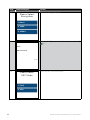
PASSWORD
CHANGED
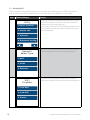
Press ENTER Key
BANK OF MELBOURNE EFTPOS 1 USER GUIDE
65