1
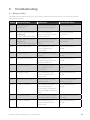
Step
Terminal Display
Action
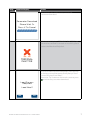
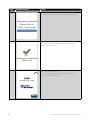
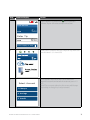
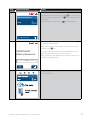
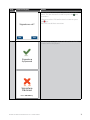
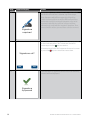
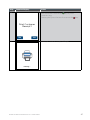
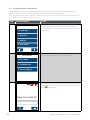
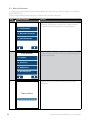
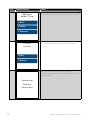
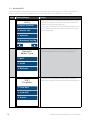
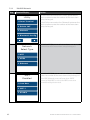
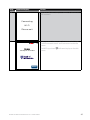
Telephone Order only: The terminal now displays
the control number (CCV/CVV/CVV2) entry screen.
6
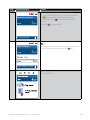
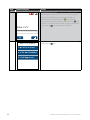
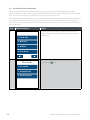
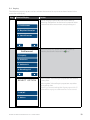
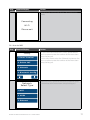
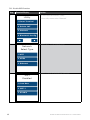
Enter the cardholders card control number. If a
correction is required press the key, once the
value is correct press the touch screen or the key.
Enter CVV:
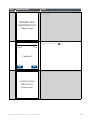
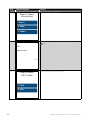
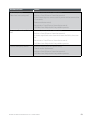
7
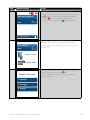
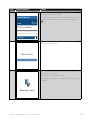
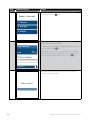
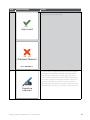
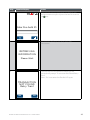
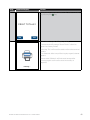
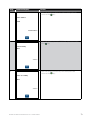
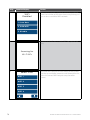
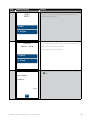
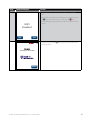
No CVV Entry
If no CVV is present, leave blank and press the touch
screen or the key and proceed to Step 7.
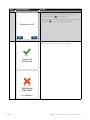
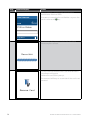
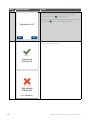
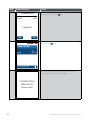
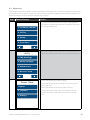
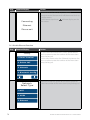
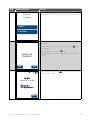
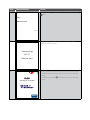
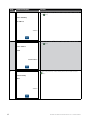
Select from one of the 3 options and press the touch
screen or the key.
1. No CVV on Card
2. CVV Not Readable
3. CVV Bypassed
40
BANK OF MELBOURNE EFTPOS 1 USER GUIDE