2.
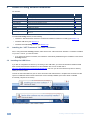
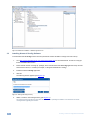
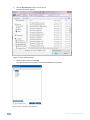
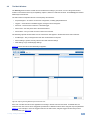
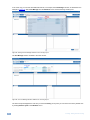
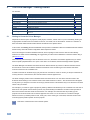
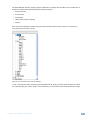
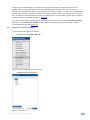
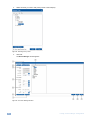
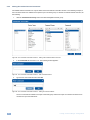
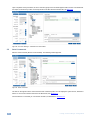
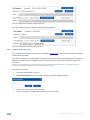
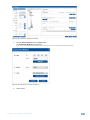
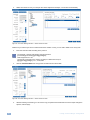
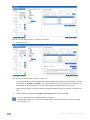
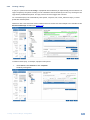
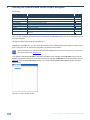
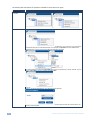
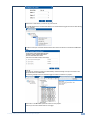
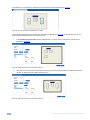
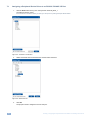
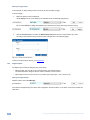
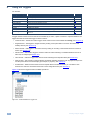
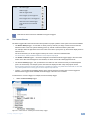
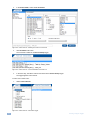
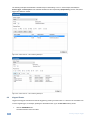
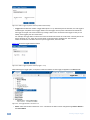
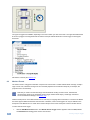
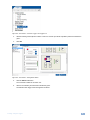
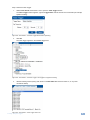
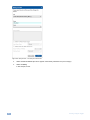
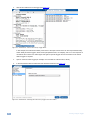
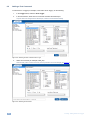
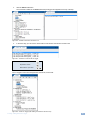
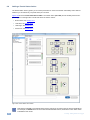
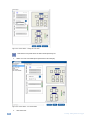
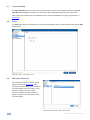
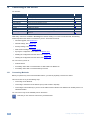
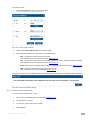
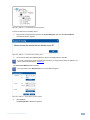
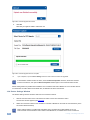
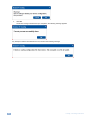
Select the driver you want to edit (a Sony Driver in this example):
Figure 44: Selecting a Sony Driver
3.
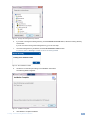
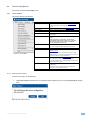
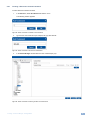
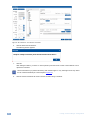
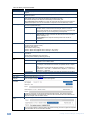
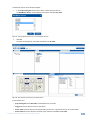
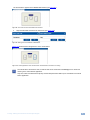
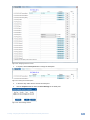
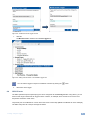
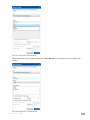
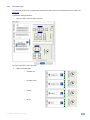
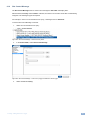
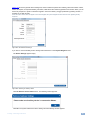
Click Edit.
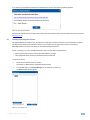
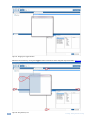
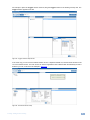
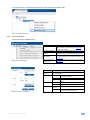
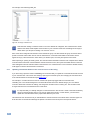
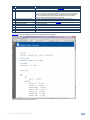
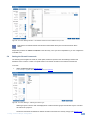
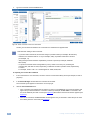
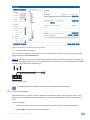
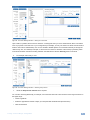
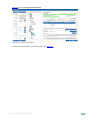
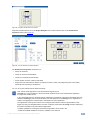
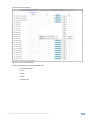
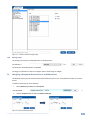
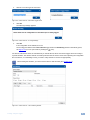
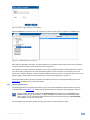
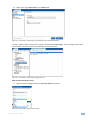
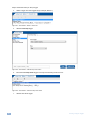
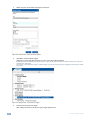
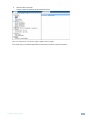
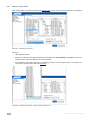
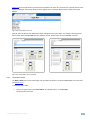
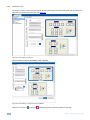
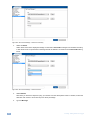
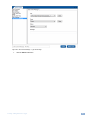
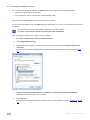
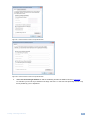
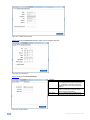
The Driver Manager window appears.
Figure 45: The Driver Manager Window
28
K-Config - The Driver Manager – Getting Started