Download K-Config 2 - Kramer Electronics
Transcript
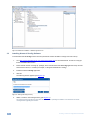
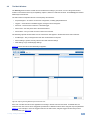
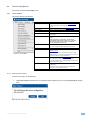
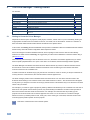
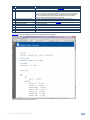
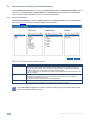
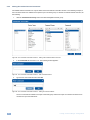
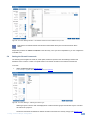
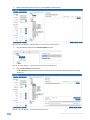
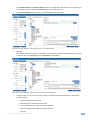
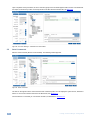
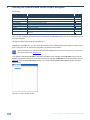
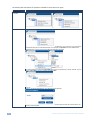
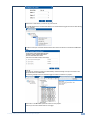
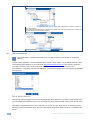
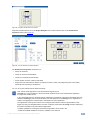
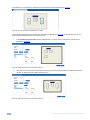
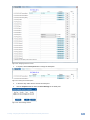
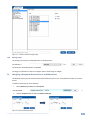
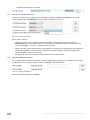
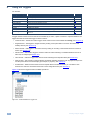
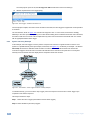
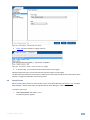
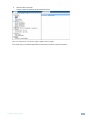
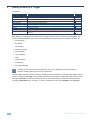
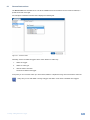
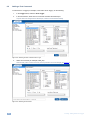
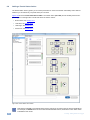
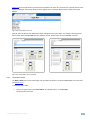
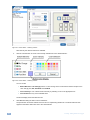
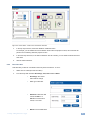
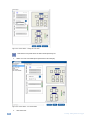
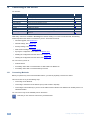
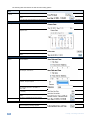
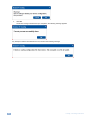
8 Using the Triggers You are here: Configuration Steps Introduction Planning Installation Introduction to K-Config Driver Manager Project Navigator Port Manager Triggers Adding Actions Connecting to a Device Description General information and system requirements Carefully plan your controlled room Install the Software Get to know the K-Config main window, menus and quick access icons Define the Peripheral Device Drivers Define the Controlled Room Assign the peripheral devices to the Master and Auxiliary device ports Activate the Triggers Describes how to add the various actions to a trigger Describes how to connect to a device, upgrade the firmware, read/write to the device and so on Section 1 2 3 4 5 6 7 8 9 10 A trigger initiates a series of actions that can be activated by an event, a press of a button or a preset schedule. The triggers are listed as events that trigger a series of actions: Custom Events – include four built-in triggers. other custom events can be added via K-Config (see Section 8.1) Keypad Events – add triggers to Keypad events by clicking a front panel button or knob on the master and auxiliary devices (see Section 8.2) Monitor Events – add triggers to the monitor event by setting an incoming command that will onset a series of actions (see Section 8.3) GPI/O Events – add a GPI/O trigger to activate a series of actions following a controlled indication such as an alarm set, for example (see Section 8.4) Timer Events – add timer triggers that will start a timer following timer stop/start states (see Section 8.5) Query Events – start a series of actions following monitored operation parameters such as projector lamp hours and the power status of the main display (for example, a projector), see Section 8.6 Sub Routines – When the same series of actions repeats itself in several action lists, you can define a Sub Routine once and use it in all these action lists to save configuration time (see Section 8.7) Figure 120 shows the trigger list and its available operations: Figure 120: The Standard Built-in Triggers List 72 K-Config - Using the Triggers