1
2.
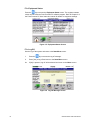
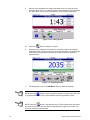
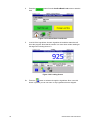
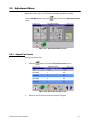
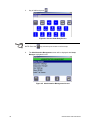
Press the
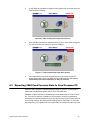
button to access the Adjust Dry Matter% screen.
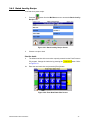
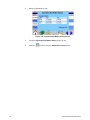
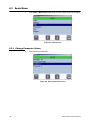
Figure 3.43 Adjust Dry Matter% Screen
3.
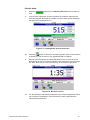
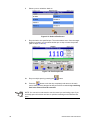
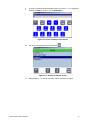
Select an ingredient. Use the forward and back arrow buttons to advance to
the next or previous page of ingredients if the arrows are blue.
4.
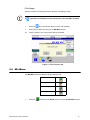
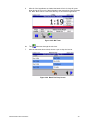
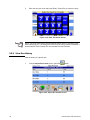
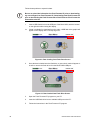
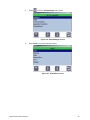
Enter the new dry matter % value and press [Enter].
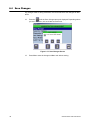
Figure 3.44 Enter Dry Matter% Screen
4a.
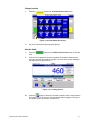
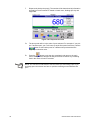
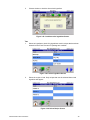
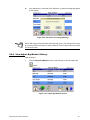
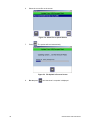
Press [Esc] to cancel the entry. An Invalid Entry message will be displayed,
press [OK]. The display will return to the Adjust Dry Matter% screen.
Figure 3.45 Invalid Entry Message
32
Feed Foreman User Instructions