1
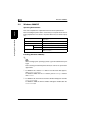
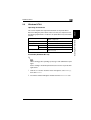
Windows 2000/XP
2
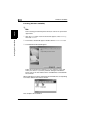
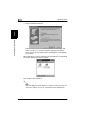
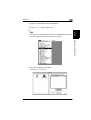
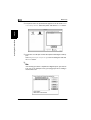
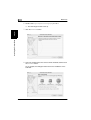
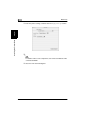
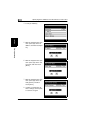
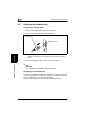
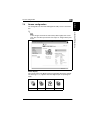
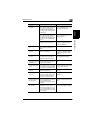
Follow the instructions that appears on your computer screen and
make your choices. If you have problems during the installations,
please refer to the User Manual in the CD-ROM that is included with
the controller.
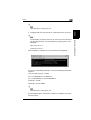
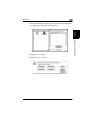
When all the files have been copied from the CD-ROM, the corresponding
icon will be added to the Printers window.
This completes the installation.
✎
Note
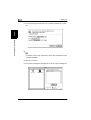
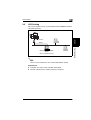
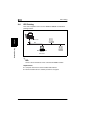
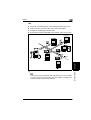
When installing the printer driver in a computer connected to the machine via a network, be sure to consult the network administrator.
2-5
Installing the Printer Driver
Chapter 2
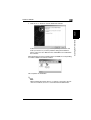
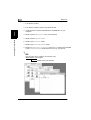
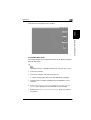
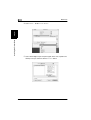
3 Click the Next> button to start the Add Printer Wizard.