1
BitmedLab
106
User's Manual - Software BitmedLab
User's Manual
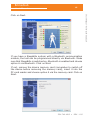
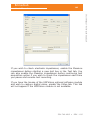
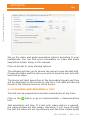
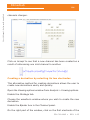
Set up the video and audio acquisition options according to your
preferences. You can find more information on video and audio
acquisition further along in this manual.
Click on Accept to close Viewing options.
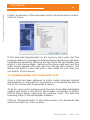
The software will ask you to choose the name to save the test with.
Choose the folder and the name you wish to save the new test with
and click on Save.
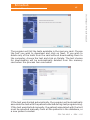
The device will start acquisition of the biomedical signals and they
will be displayed on the screen in real time. The data will also be
stored in the internal memory of the device.
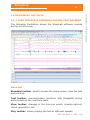
4.4.2 PAUSING AND RESUMING A TEST
The test can be paused and resumed momentarily at any time.
Click on the
test.
button or go to Communication > Pause/continue
Test acquisition will stop. If a test with video capture is paused,
the video window will also pause, therefore, if you move through
the test the video will not synchronize with the time instant being
534-740-MU2 •
REV. 1.05