1
BitmedLab
78
User's Manual - Software BitmedLab
User's Manual
Importing and exporting a montage
BitmedLab allows the user to export any of the montages to a file,
so that it can be easily imported into another computer.
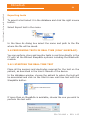
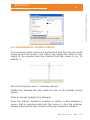
Go to the Analysis menu > Viewing options.
Enable the Montage tab and click on the Manage montages button.
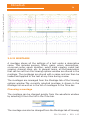
Choose the montage you wish to export from the list of available
montages and click on Export.
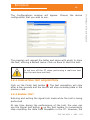
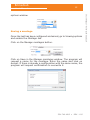
A dialog will appear to choose the name of the file that will store
the montage and the folder to save it in.
The montage will be saved in a file with extension .xcp
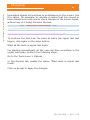
A montage can be imported in a similar manner:
Click on Import in the Manage montages window.
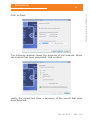
A dialog will appear to choose the .xcp file corresponding to the
montage that is to be imported. The montage will be added to the
list of available montages.
Deleting a montage
Go to the Analysis menu > Viewing options.
Enable the Montage tab and click on the Manage montages button.
Choose the montage you wish to delete from the list of available
montages and click on Delete.
3.9.22 TYPES OF EVENTS
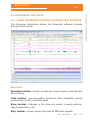
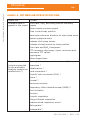
BitmedLab defines a series of event types that the user can use
in the tests. For user convenience, BitmedLab limit the available
event types according to the group of event types that are enabled
at a given moment. There are three groups of event types (simple,
intermediate and advanced), each of which enables certain types
of events, as seen in detail in the table below:
534-740-MU2 •
REV. 1.05