1
BitmedLab
166
User's Manual - Software BitmedLab
User's Manual
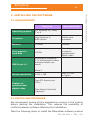
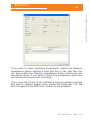
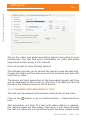
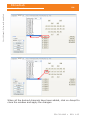
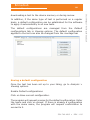
Audio capture device: a list of the devices installed in the system
capable of capturing audio. Choose the device that you wish to use
in the tests.
Sampling: several audio recording features can be chosen in
this block. Recording in stereo or mono, 8 or 16-bit coding (the
higher the bit coding, the better the sound will be but this will also
increase the space occupied by the file in the hard disk). You can
also choose the capture sampling frequency, 11, 22 or 44 KHz. The
higher the frequency, the larger the resulting file will be.
5.3 REVIEWING THE TEST
When the video recording of a test has been completed or a test
with video is opened, the video window will be on the top right of
the main window of the program.
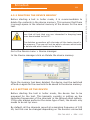
The window can be hidden by clicking on the X and shown again
from See > Video.
If the numerical data cursor is enabled, you can verify whether the
video window is displaying the frame that corresponds to the time
instant on which the cursor is placed.
534-740-MU2 •
REV. 1.05