1
SUPERPLEX User’s Manual
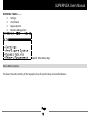
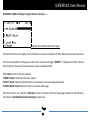
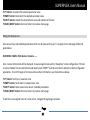
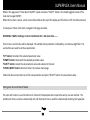
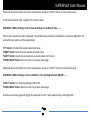
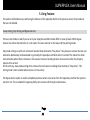
IDLE MENU > MAIN > Settings > Program Remotes >Slot (n)………
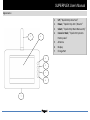
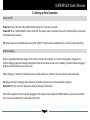
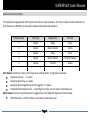
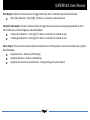
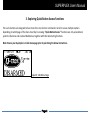
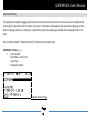
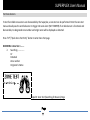
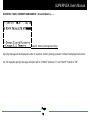
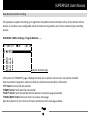
Snapshot: Slot Update (Slot Full!) Page
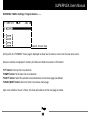
This level of the menu will display Slot’s information, its status and options to either delete Slot or load new remote
controller.
If the Slot is available for storing new remote controller, the status message “>EMPTY<” is displayed and If the Slot has
stored contents, the name of the stored remote controller is displayed rather.
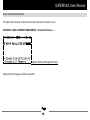
“UP” button: Scroll up the menu options
“DOWN” button: Scroll down the menu options
“SELECT” button: Select the pointed option and advance to next menu page (see below)
“CANCEL/BACK” button: Abort and return to previous menu page
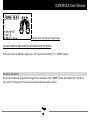
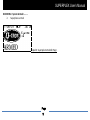
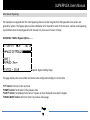
If Slot is not in use, select the “Load New” option to advance to the next menu page as below or else follow the
instructions in Enrolled Remote Controller Removing to clear Slot.
Page
20