1
Import Automation Music Database
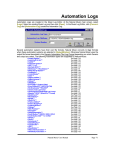
Natural Music is configured to read audio cut databases from BSI WaveStation, DRS2006,
MediaTouch, MusicReady, RDS-Phantom, Raduga, and Scott Studios automation systems. You
don't need to specially configure the import filter for these databases. You may import data anytime
you make changes to the automation audio cut library to add songs. NM5 will scan for any new
"Sources" (audio file ID's) and add any new entries to the NM5 database. It is highly recommended
that you do a [Data][Backup] before trying to import data into any existing Natural Music
database.
1.
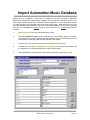
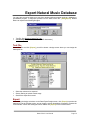
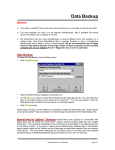
Click [Data][Import] from the main Natural Music screen.
2.
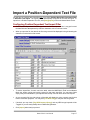
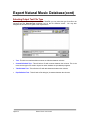
Select the Import File Type from the dropdown box. If your specific system is not listed,
most systems can provide a database file using Delimited Text or Position-Dependent Text
files that can be imported by NM5 as described later in this chapter
3.
Click the [Browse] button to select the file to be imported and Click [Open]
4.
If desired, you may check [Tag NEW Imported Songs] and any NEW songs imported will
be 'Tagged' so you can easily identify them in NM5's Song Browser.
5.
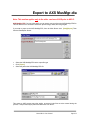
Verify data fields are aligned properly (some fields may be blank), then Click [Import]
Natural Music User Manual
Page 9-3