1
CubeSuite+ V2.02.00
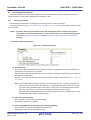
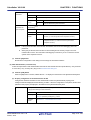
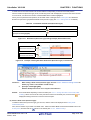
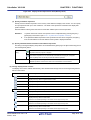
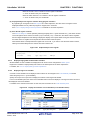
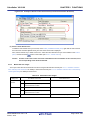
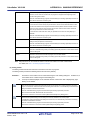
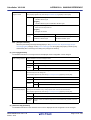
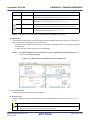
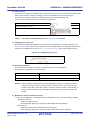
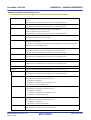
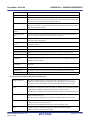
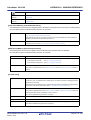
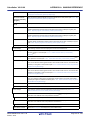
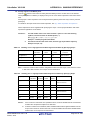
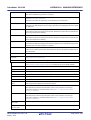
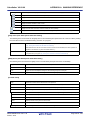
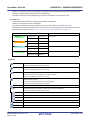
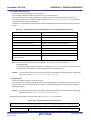
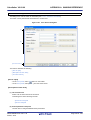
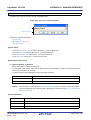
Verify on writing to
memory
APPENDIX A WINDOW REFERENCE
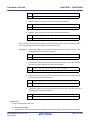
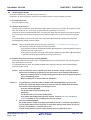
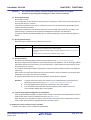
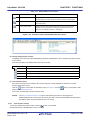
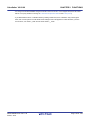
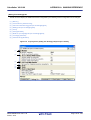
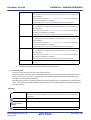
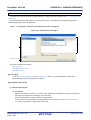
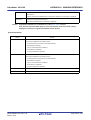
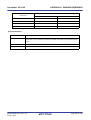
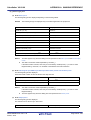
Select whether to perform a verify check when the memory value is initialized.
Default
Yes
Modifying
Select from the drop-down list.
Available
Yes
Executes the verify check.
No
Does not execute the verify check.
[Full-spec emulator]
[E1][E20]
values
Note The type is of the memory mapping area registered in the device file.
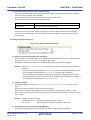
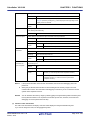
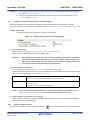
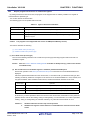
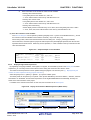
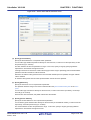
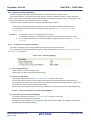
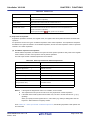
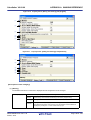
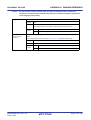
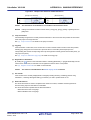
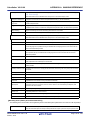
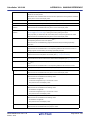
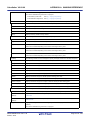
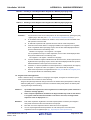
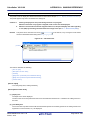
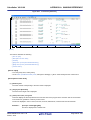
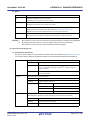
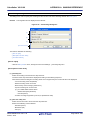
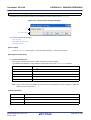
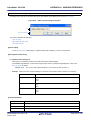
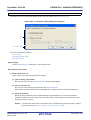
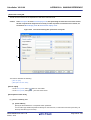
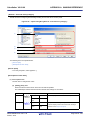
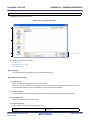
(2) [Access Memory While Running]
The detailed information on memory accesses while executing a program (real-time display update function: see
"(4) Display/modify the memory contents during program execution") is displayed and its configuration can be
changed.
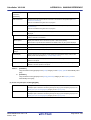
Access during the
execution
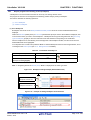
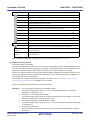
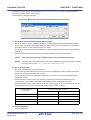
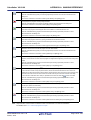
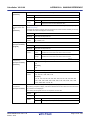
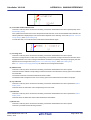
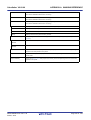
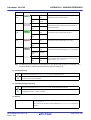
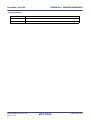
Select whether to allow access to the internal RAM area during execution of a program.
Default
No
Modifying
Select from the drop-down list.
Available
Yes
Accesses to the internal RAM area during execution of a program.
No
Does not access to the internal RAM area during execution of a
[Full-spec emulator]
[E1][E20]
values
program.
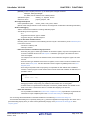
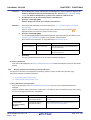
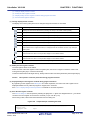
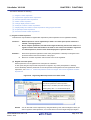
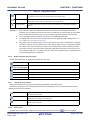
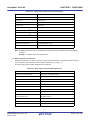
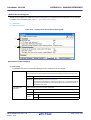
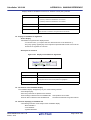
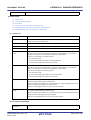
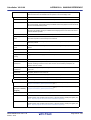
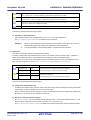
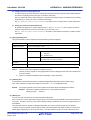
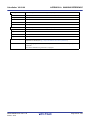
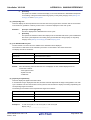
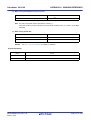
Update display during
Select whether to update the display in the Memory panel/Watch panel during a program
the execution
execution.
Default
Yes
Modifying
Select from the drop-down list.
Available
Yes
Updates the display during program execution.
No
Does not update the display during program execution.
values
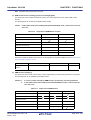
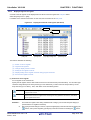
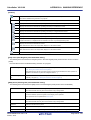
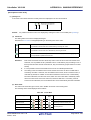
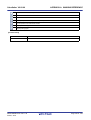
Display update
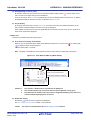
Specify the interval in 100ms unit to update the contents in the Memory panel/Watch panel
interval[ms]
display while executing a program.
This property appears only when the [Update display during the execution] property is set to
[Yes].
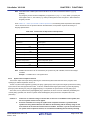
Default
500
Modifying
Directly enter from the keyboard.
Available
Integer number between 100 and 65500 (rounding up the fractions less than 100
values
ms)
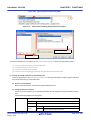
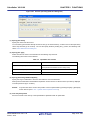
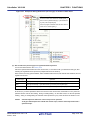
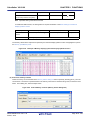
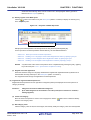
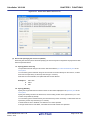
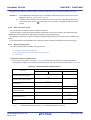
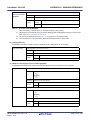
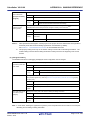
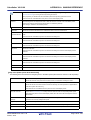
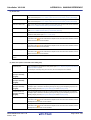
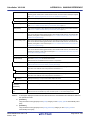
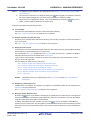
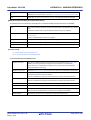
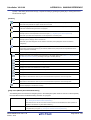
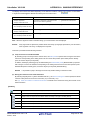
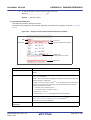
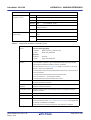
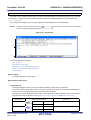
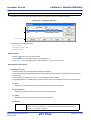
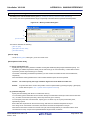
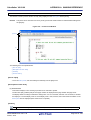
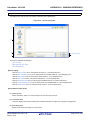
(3) [Set Event While Running] [Full-spec emulator][E1][E20]
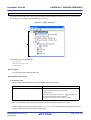
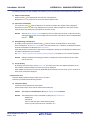
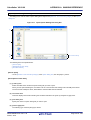
The detailed information on the function of the event setting during program execution is displayed and its
configuration can be changed.
R20UT2866EJ0100 Rev.1.00
Feb 01, 2014
Page 169 of 353