1
CubeSuite+ V2.02.00
APPENDIX A WINDOW REFERENCE
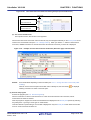
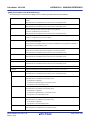
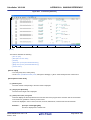
[Hook Transaction Settings] tab
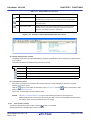
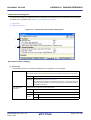
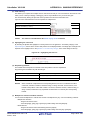
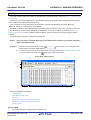
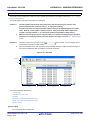
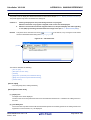
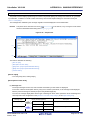
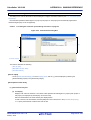
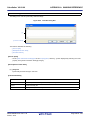
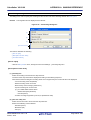
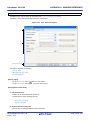
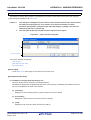
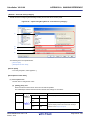
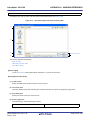
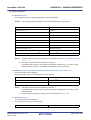
This tab is used to display the detailed information categorized by the following and the configuration can be changed.
For details on the hook transaction, see "2.17 Use Hook Function".
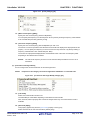
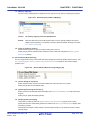
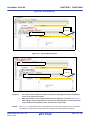
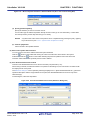
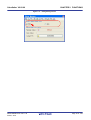
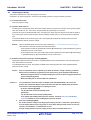
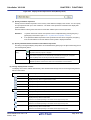
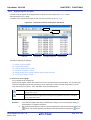
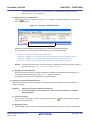
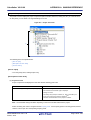
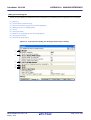
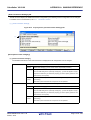
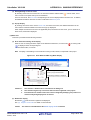
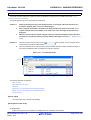
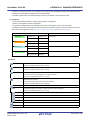
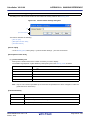
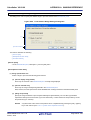
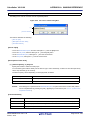
(1) [Hook Transaction Settings]
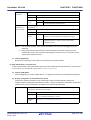
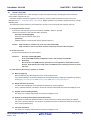
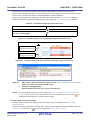
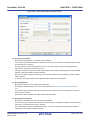
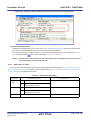
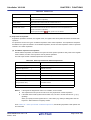
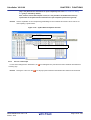
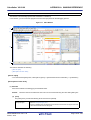
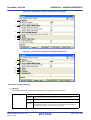
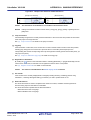
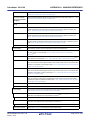
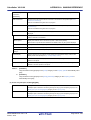
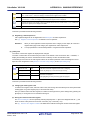
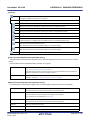
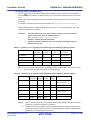
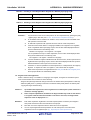
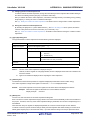
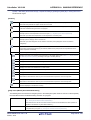
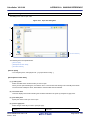
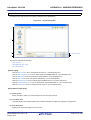
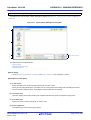
Figure A-14. Property Panel: [Hook Transaction Settings] Tab
(1)
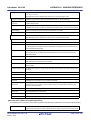
[Description of each category]
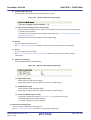
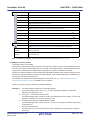
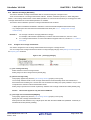
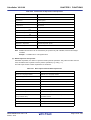
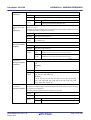
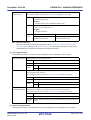
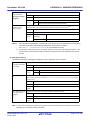
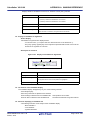
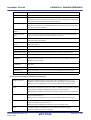
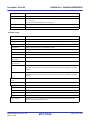
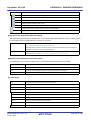
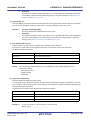
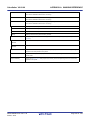
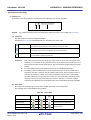
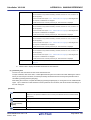
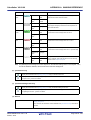
(1) [Hook Transaction Settings]
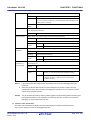
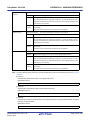
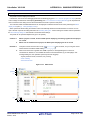
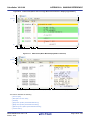
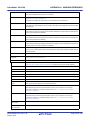
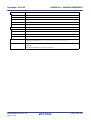
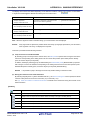
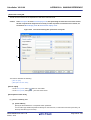
The detailed information on the hook transaction is displayed and its configuration can be changed.
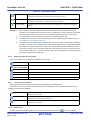
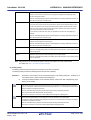
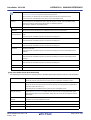
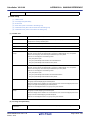
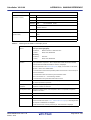
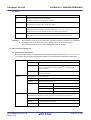
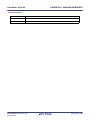
Before download
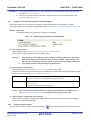
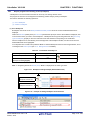
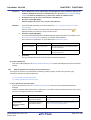
Specify the processNote to proceed right before downloading the load module file.
Default
Before download[0] ("[]" is the current number of specified processes.)
Modifying
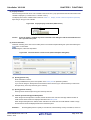
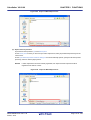
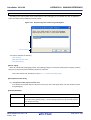
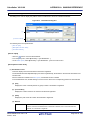
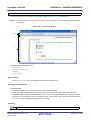
Specify with the Text Edit dialog box.
The Text Edit dialog box is opened by clicking the [...] button that appears at right
edge of this field when you select this property (you cannot specify options for the
flash memory on this panel).
Available
Up to 128 processes (one line in the Text Edit dialog box is equivalent to one
values
processing)
Note that up to 64 characters for one process can be specified.
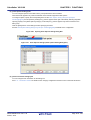
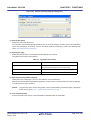
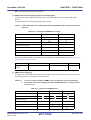
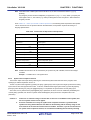
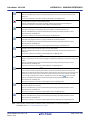
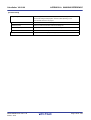
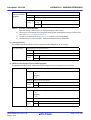
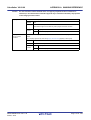
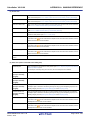
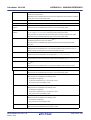
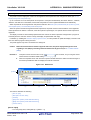
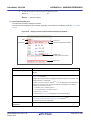
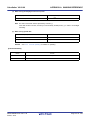
After download
Specify the processNote to proceed right after downloading the load module file.
Default
Before download[0] ("[]" is the current number of specified processes.)
Modifying
Specify with the Text Edit dialog box.
The Text Edit dialog box is opened by clicking the [...] button that appears at right
edge of this field when you select this property (you cannot specify options for the
flash memory on this panel).
Available
Up to 128 processes (one line in the Text Edit dialog box is equivalent to one
values
processing)
Note that up to 64 characters for one process can be specified.
R20UT2866EJ0100 Rev.1.00
Feb 01, 2014
Page 179 of 353