1
KOMPAS-3D V9. User manual.
All parameter values, once entered or modified, immediately reflect on the ghost of
the revolved feature displayed on the screen.
After defining all extrusion parameters, click the Create Object button on the
Advanced Control Panel to have the feature created.
The created revolved feature will appear in the Part window, and the respective icon
– in the Model Tree.
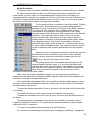
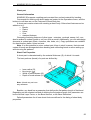
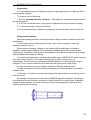
Extrusion icon
Revolved boss icon
Swept Feature
To create a part base in the way of an extrusion feature, call the command
Operations Feature - Extrude or click the Extrude button on the Edit Part toolbar.
The Sweep command is available if there is one sketch in the model. You do not
have to select a sketch before calling the command.
To create a sweep, you need to define its section and the section sweeping path.
The section must be a sketched one. Any 3D or planar line (curve) can serve as a path an edge, spiral, spline, sketched contour, - or several connected lines (curves).
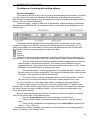
After calling the command, the Property bar displays the controls to define operation
parameters.
✔
on the Options tab - the section, path and the section-sweeping method,
✔
on the Thin Wall tab - the parameters of a thin-wall sweep,
on the Operation Result tab – the construction result: new body or a boss
feature.
✔
All parameter values, once entered or modified, immediately reflect on the ghost of
the sweep feature displayed on the screen.
After defining all extrusion parameters, click the Create Object button on the
Advanced Control Panel to have the feature created.
The created sweep will appear in the Part window, and the respective icon – in the
Model Tree.
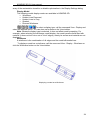
Extrusion icon
Sweep boss icon
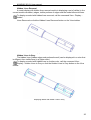
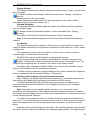
Loft Feature
To create a part base in the way of a loft feature, call the command Operations Feature - Loft or click the Loft Feature button on the Edit Part toolbar.
The Loft Feature command is available if the model contains at least two sketches.
You do not have to select sketches before calling the command.
When creating a loft operation, several sketches are used; each of them represents
one of the feature's sections.
After calling the command, the Property bar displays the controls to define operation
parameters.
47