1
Translation Toolbox
Manage your language resources
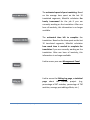
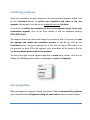
You can store all your private TMs in MateCat and assign them to your projects when
creating them or during translation.
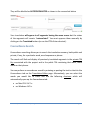
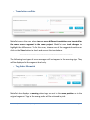
Adding a TM to a project
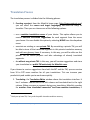
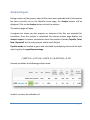
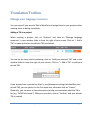
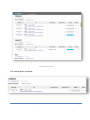
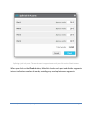
When creating a project, click on “Options” and then on “Manage language
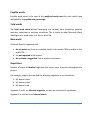
resources”; a new window slides in from the right of your screen. Click on “+ Add a
TM” to open up the box to add your TM (see below).
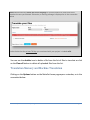
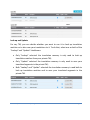
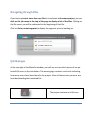
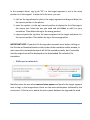
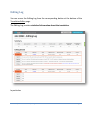
You can do the same while translating: click on “Add your personal TM” and a new
window slides in from the right of your screen. Click on “+ Add a TM” to add your
private TM.
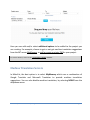
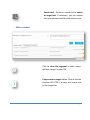
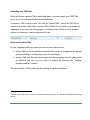
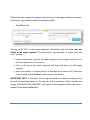
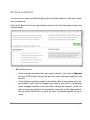
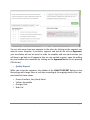
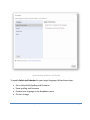
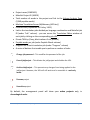
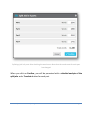
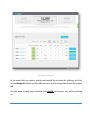
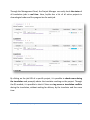
If you already have a private key (that is, an alphanumeric string that identifies your
private TM), you can paste it in the first input box, otherwise click on “Create”.
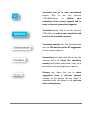
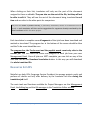
Optionally, you can enter a short description to help you remember what the TM is
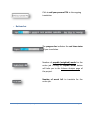
for (e.g. “ACME bird seeds”). When you are done, click on “Confirm” and your private
TM is created.
Release 1.6 | www.matecat.com | [email protected]
Page 31