1
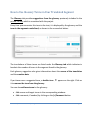
How to Use Glossary Terms in Your Translated Segment
The Glossary tab provides suggestions from the glossary previously included in the
private TM key which is associated with the project.
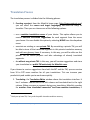
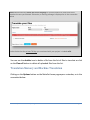
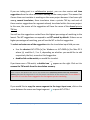
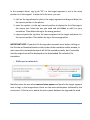
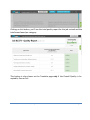
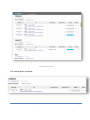
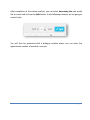
Every time you encounter this term in the text, it is displayed by the glossary and the
term in the segments underlined, as shown in the screenshot below:
The translations of these terms are listed under the Glossary tab which indicates in
brackets the number of terms in the segment found in the glossary.
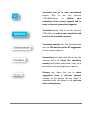
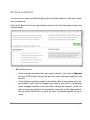
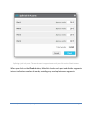
Each glossary suggestion also gives information about the source of the translation
and the creation date.
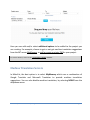
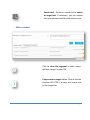
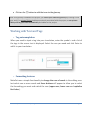
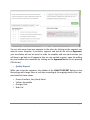
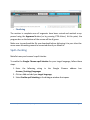
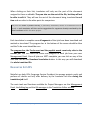
If you hover over a suggested term, a dustbin icon
it to remove the term from the glossary.
appears on the right. Click on
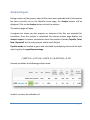
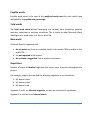
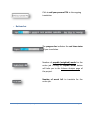
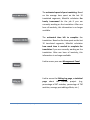
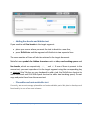
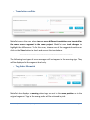
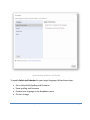
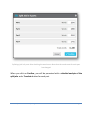
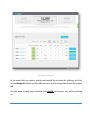
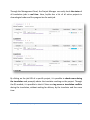
You can also add new terms to the glossary:
• Add source and target terms in the corresponding windows
• Add comments, if needed, by clicking on the (+) Comment button
Release 1.6 | www.matecat.com | [email protected]
Page 39