1
REX manual (04/09)
STEP 2. Selecting image data sources
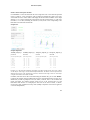
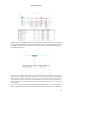
To define the source image files:
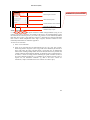
1) Click Sources
2) Select one or more NIFTI image volume files to extract data from these volumes
or
2) Select one SPM.mat file to extract data from volumes specified in a SPM design, or to
repeat one SPM analysis for the selected ROIs.
Selecting a single SPM.mat file instead of the NIFTI format files is equivalent to selecting all of
the image files that have been defined as the original data in the analyses specified in the
SPM.mat file (more specifically the volumes listed in the SPM.xY structure). Any valid SPM.mat
file can be used as a source, including ones resulting from either first-level or second-level
analyses. For example, if you select the first-level analysis SPM.mat file for a given subject, the
data sources will be assumed to be all of the functional data files for this subject, with one volume
for each time point across all sessions included in the SPM.mat file. In this case rex will
effectively extract all of the functional time series at the specified ROIs for this subject and allow
you to perform first-level analyses on the resulting time-series. If you select instead a secondlevel analysis SPM.mat file, the data sources will be assumed to be the beta (or con) images
specified in this analysis (one volume per regressor per subject; e.g. one contrast volume per
subject for a standard second-level t-test analysis). In this case rex will effectively extract the
beta/contrast values at the specified ROIs for each subject, and allow you to perform second-level
analyses on the resulting data.
3/9