1
Web School Office . 321
●
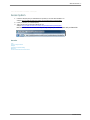
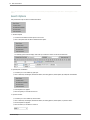
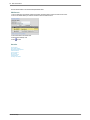
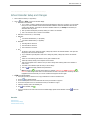
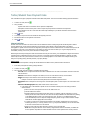
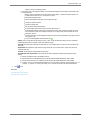
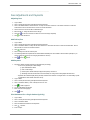
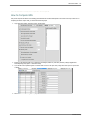
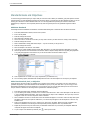
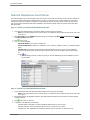
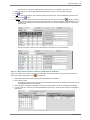
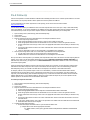
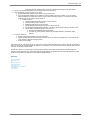
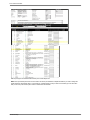
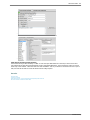
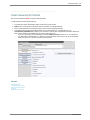
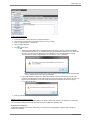
The next time that the database is copied to the Parent Connect site, it will be active. If your Parent Connect is looking at your
live database in your Student directory this is not needed.
●
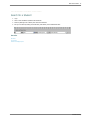
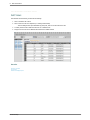
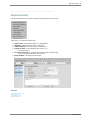
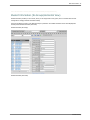
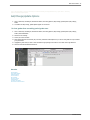
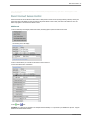
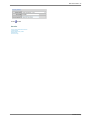
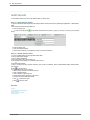
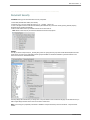
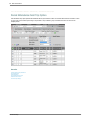
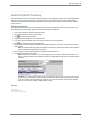
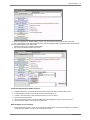
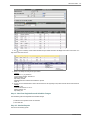
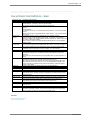
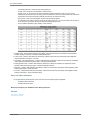
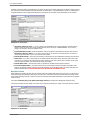
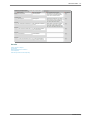
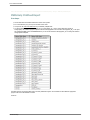
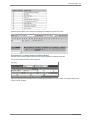
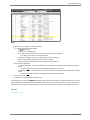
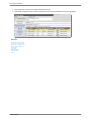
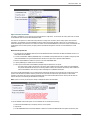
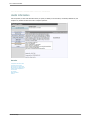
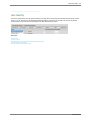
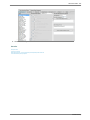
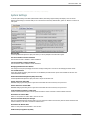
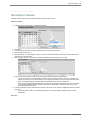
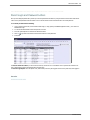
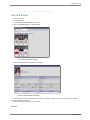
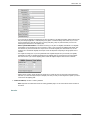
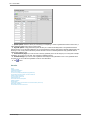
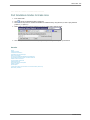
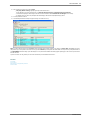
The Parent Login is visible and in order to see the password, hover over the ****** in the Password column.
See also
Create Passwords for Parents
Uncombined Students for Login
Lookup User IDs and Passwords
Edit Parent
Forget/Change Password Link
SDSStudentHelp