1
42 . Web School Office
Home > Web School Office > Data Entry and Changes > Student Information (No Groups/Horizontal View) > Option Menus > Processing Options > Search
Options
Search Options
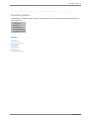
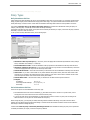
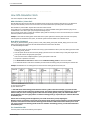
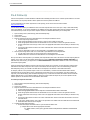
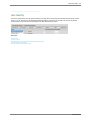
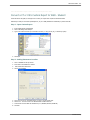
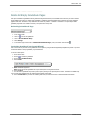
This provides other ways to search in Student Information.
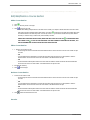
1. All Search Options
●
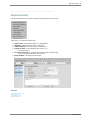
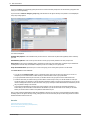
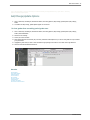
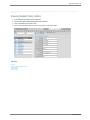
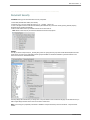
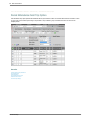
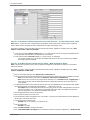
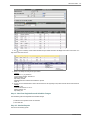
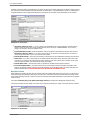
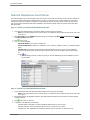
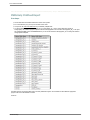
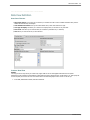
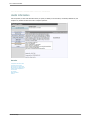
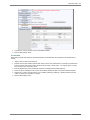
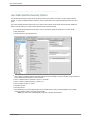
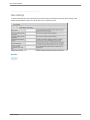
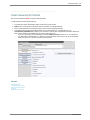
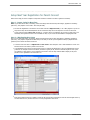
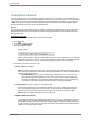
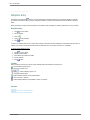
This shows all the different search options on the screen.
●
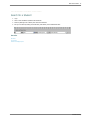
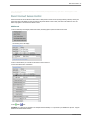
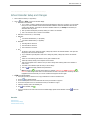
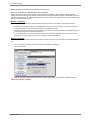
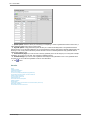
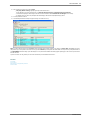
Click on this options and view all the individual search options.
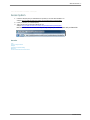
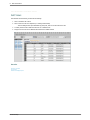
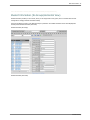
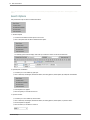
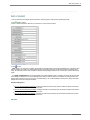
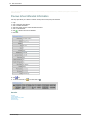
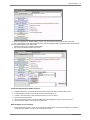
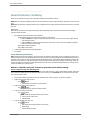
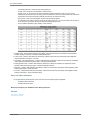
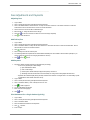
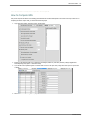
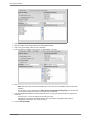
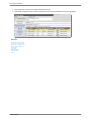
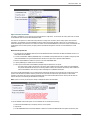
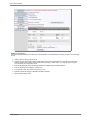
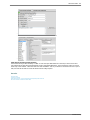
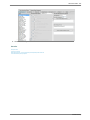
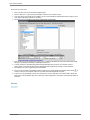
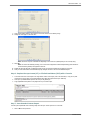
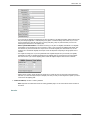
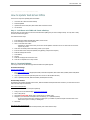
The following options will then display. Select what you would like to search on and click the binoculars.
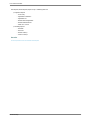
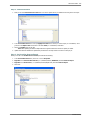
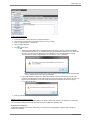
2. By Grade/Year of Graduation
●
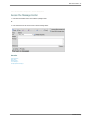
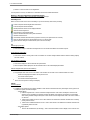
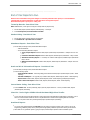
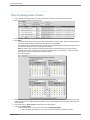
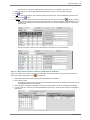
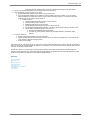
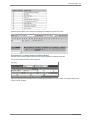
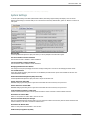
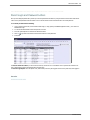
This allows you to sort students by grade year.
●
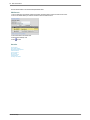
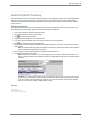
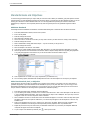
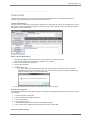
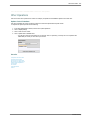
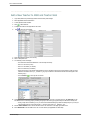
Click on Data Entry and Changes |Student Information |Processing Options |Search Options |By Grade/Year of Graduation.
●
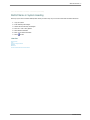
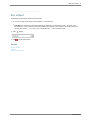
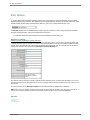
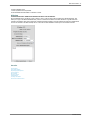
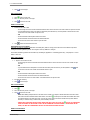
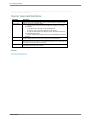
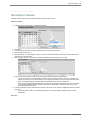
Grade dropdown box appears.
●
Select the grade you would like to search on.
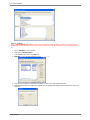
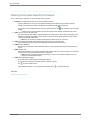
3. By School Location
●
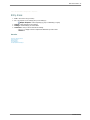
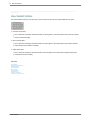
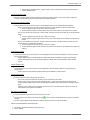
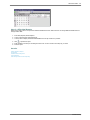
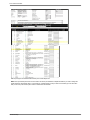
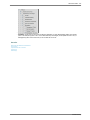
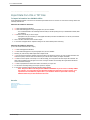
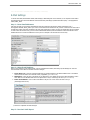
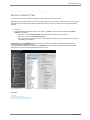
This allows you to sort students by school location.
●
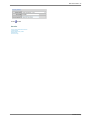
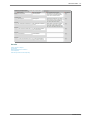
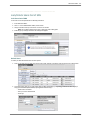
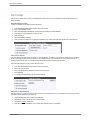
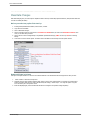
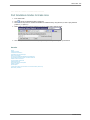
Click on Data Entry and Changes |Student Information |Processing Options |Search Options | By School Location
●
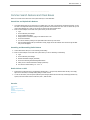
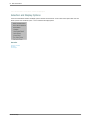
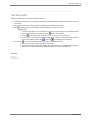
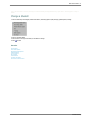
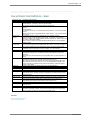
School dropdown box appears.
●
Select the School you would like to search on.
SDSStudentHelp